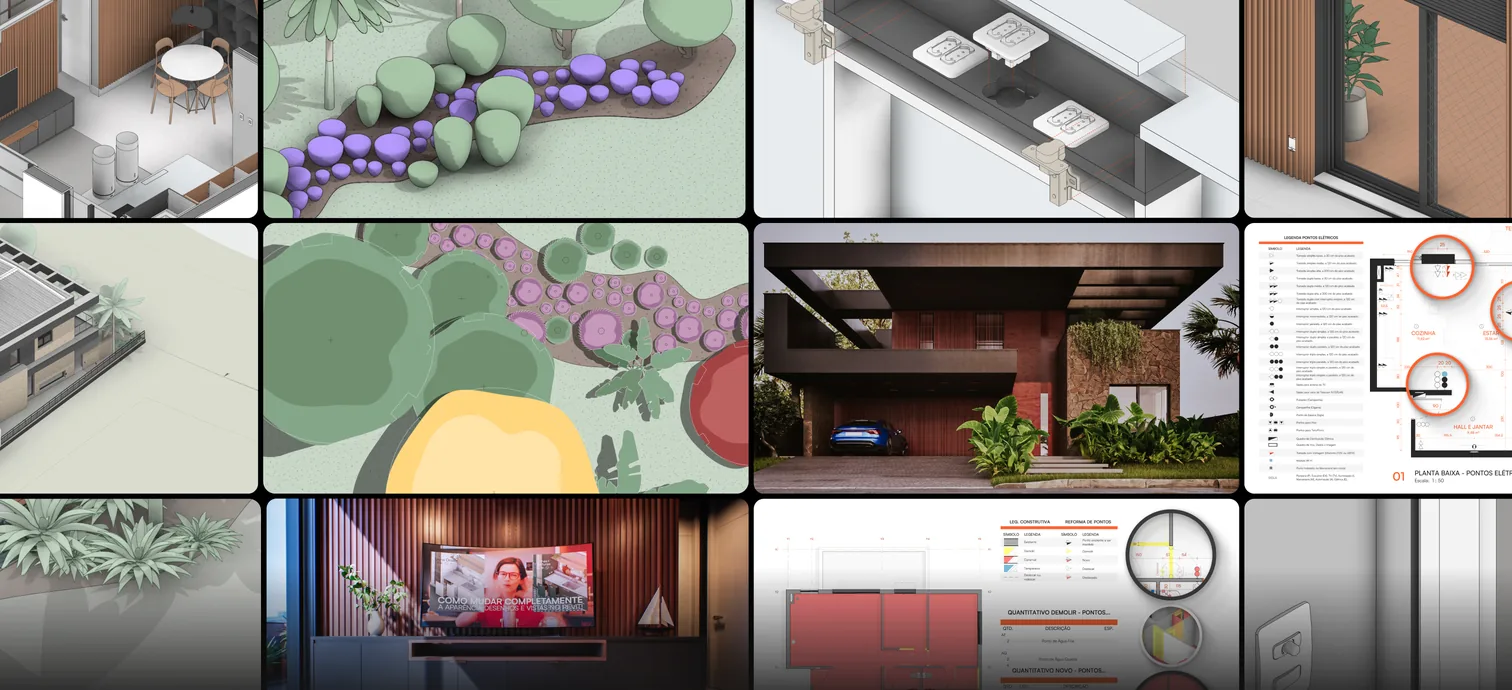






 Explore this MAPA methodology
 Explore this MAPA methodology



Transform hours of work into minutes.
Everything we do is designed to make you faster and more efficient when designing, with the experience of a decade dedicated to evolving our method.






MAPA courses + MAPA IA + tools for 2 years
For the first time ever, all the Revit + Twinmotion courses and all the MAPA accelerator tools in a single package, with 2 years of access, so you can transform hours of work into minutes and seconds.
up to US$ 709 OFF with 2 years of access
Get everything you need to design interiors and architecture efficiently: method, intelligence and tools, together, for 2 years.

From beginner to advanced: from the initial survey to the executive detail sheets, with the realistic model in Twinmotion. 23 modules, 240 lessons and over 80 hours.
From fundamentals to fluency: from concept to executive detailing, with realistic images and immersive videos in Twinmotion.

In its ninth version, it brings together the intelligence, organization and aesthetics you need to transform hours of work into minutes and deliver impeccable executive detail sheets. Every version from our continuous improvement system is yours.

Dedicated to the methodology for Architecture, from concept to executive detailing. Every version from our continuous improvement system is yours.
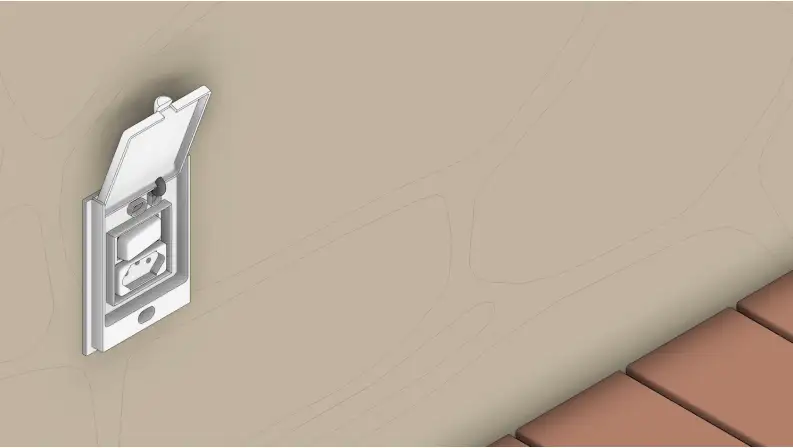
Over 1,400 smart families that connect with the Template: complete systems for electrical and joinery in Interiors, and for electrical, doors and windows in Architecture. Plus the MAPA Materials Library and the course project files in Revit and Twinmotion. All updates included.
Everything that goes with your method, in one place. With your login, each methodology and each product has its own dedicated space, and you can see what’s new in each version of MAPA for Revit, with images of every improvement.
An interactive online handbook connected to the lessons: a step-by-step of the entire course. There are 23 guides in Interiors and 19 in Architecture, with Jessica’s tips, the most common mistakes and a checklist to wrap up each stage.

The Efficiency MAP’s AI, connected to your Revit. Just ask in your own words and it executes in seconds, with a level of construction detail and creative freedom you never imagined possible.
It has learned the Efficiency MAP method and is trained by Jessica, Marcos and Oficina Criativa’s Development and Innovation Team.
Your course is what unlocks the MAPA IA skills. With both courses, you get the Interiors skills and the Architecture skills.

Our AI was designed to run extremely well on Claude’s lightest models, even on the free plan. Day to day, we use Sonnet 5, which is fast and efficient for the kind of command you run inside Revit.
The MAPA universe, right in your Revit. It’s the plugin that brings our methodology into your project, in its own tab, on Revit 2024, 2025, 2026 and 2027.
Any 3D model from the internet becomes a Revit family, at the product’s real dimensions: from SketchUp, Rhino, OBJ, STL or GLB.
Over 300 families from leading manufacturers, ready to drag into your project. Comes with the Converter.
The MAPA template with your firm’s identity.

Create your project materials right in the MAPA tab of the MAPA for Revit plugin. Coming soon, and it’s included when you get the Super COMBO.
151 shortcuts in a panel inside Revit, with search and favorites. The right shortcut, without leaving the model.
The modeling and documentation checklist for every stage of the project: where you left off and what’s next. Already available for Architecture. For Interiors, coming soon.
Every new automation added to MAPA for Revit during your 2 years is already yours.
On 3 channels: directly in the lessons, in the MAPA OC Club Community or by email.

Content, networking and results with the MAPA Explorers on Discord.
University Extension certificate issued by Usina Educação / UNIFATEC, a MEC-accredited college, for both courses.
With the MAPA enrollment certificate, during your studies.
Built down to the last detail to revolutionize the way we design, the Efficiency MAP method teaches you to transform hours of work into minutes. What would take months now gets done in a few work sessions.
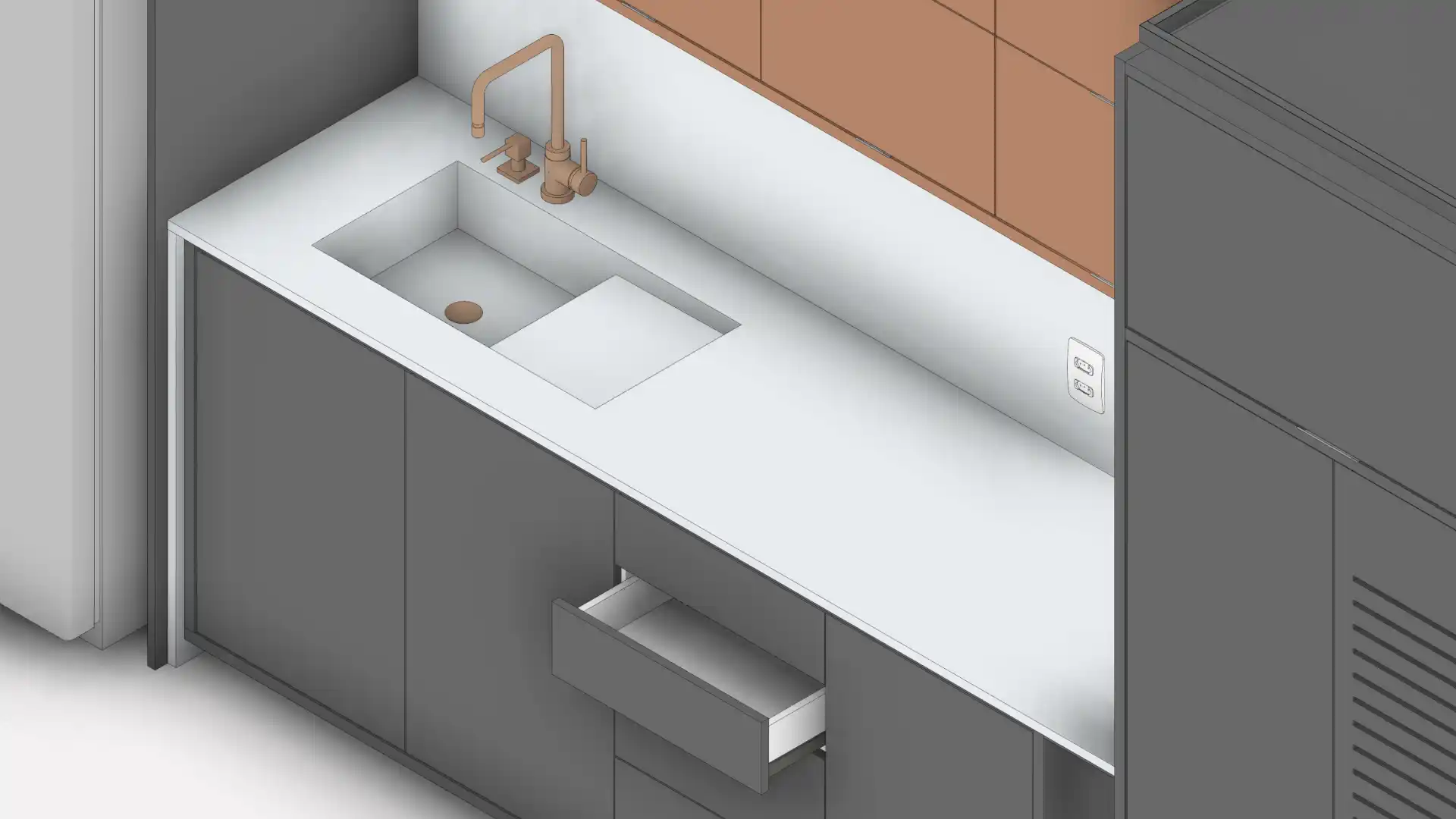
We will show you the detailed step-by-step process to create an interior project from scratch in Revit, from initial survey to executive detailing, with joinery, lighting and quantity takeoffs.
Thousands of materials configured to manufacturers’ specifications: paints, MDFs, glass and stone from major brands.
By the end of the course, you will have the fluency to design with Revit smoothly, even if you have never opened the software before.
This is the project we will develop together during the course
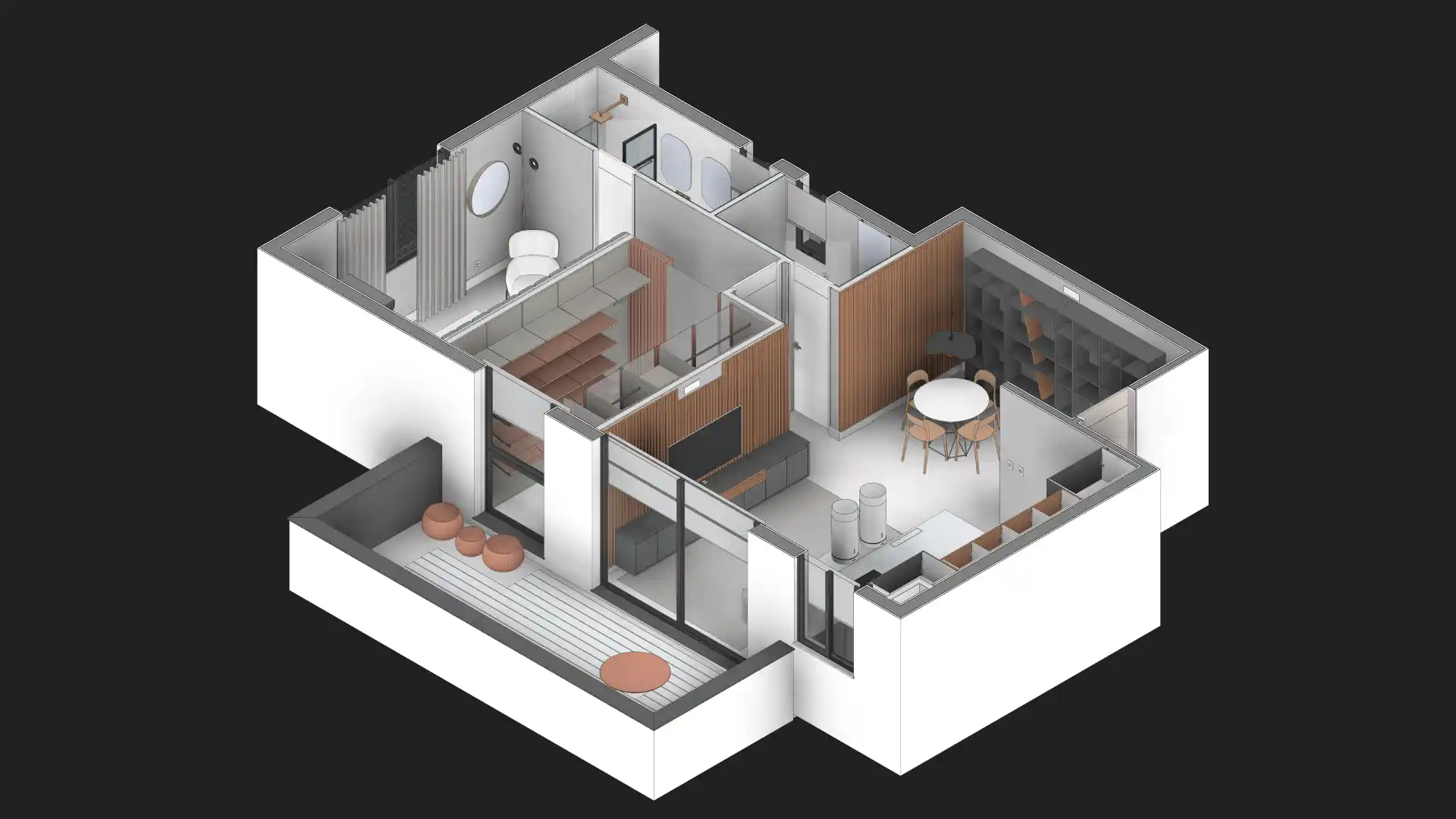
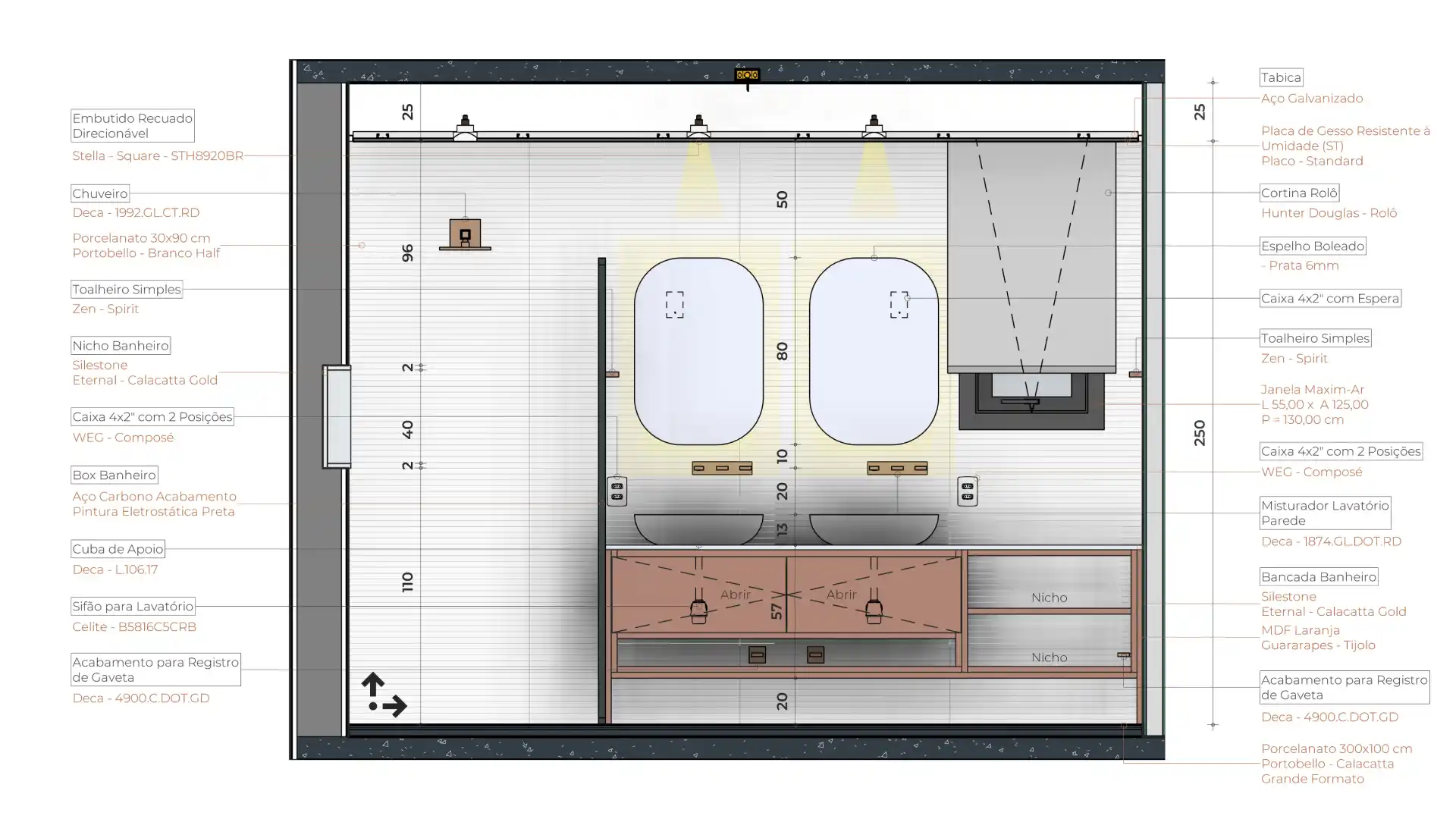
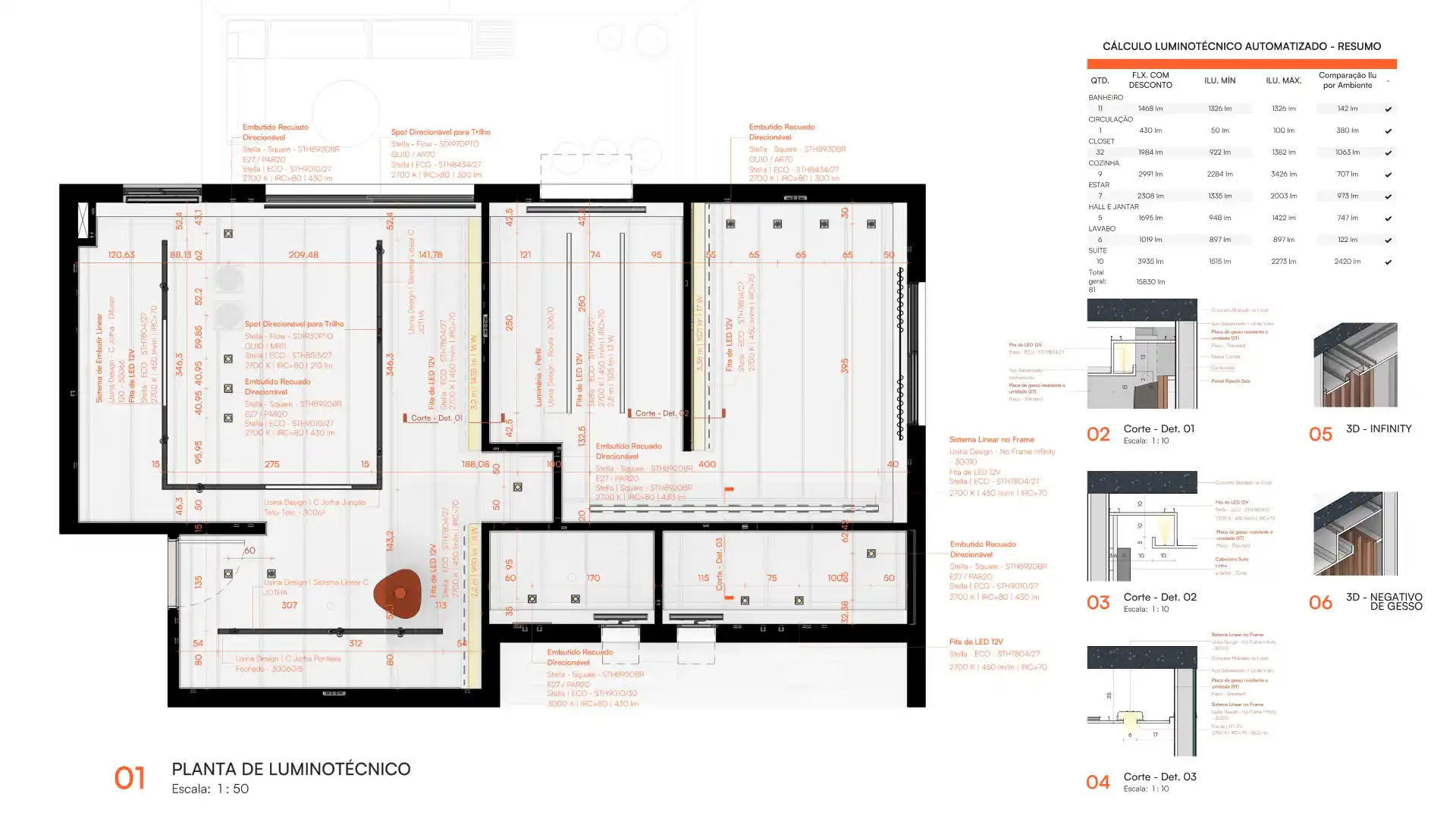
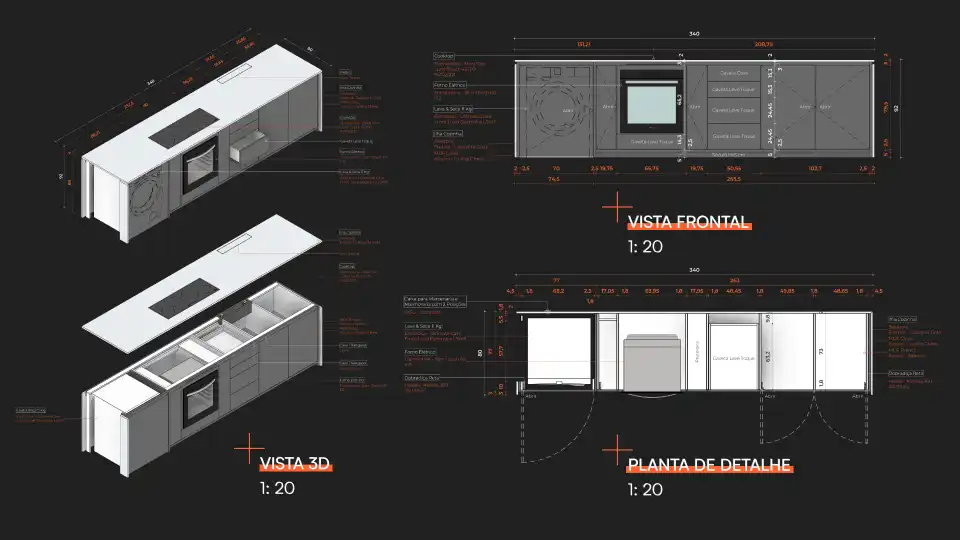
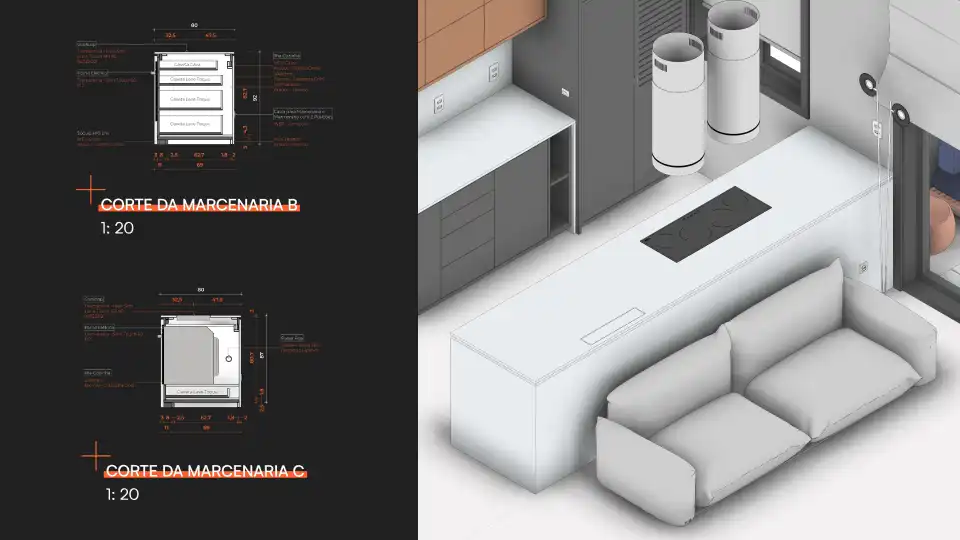
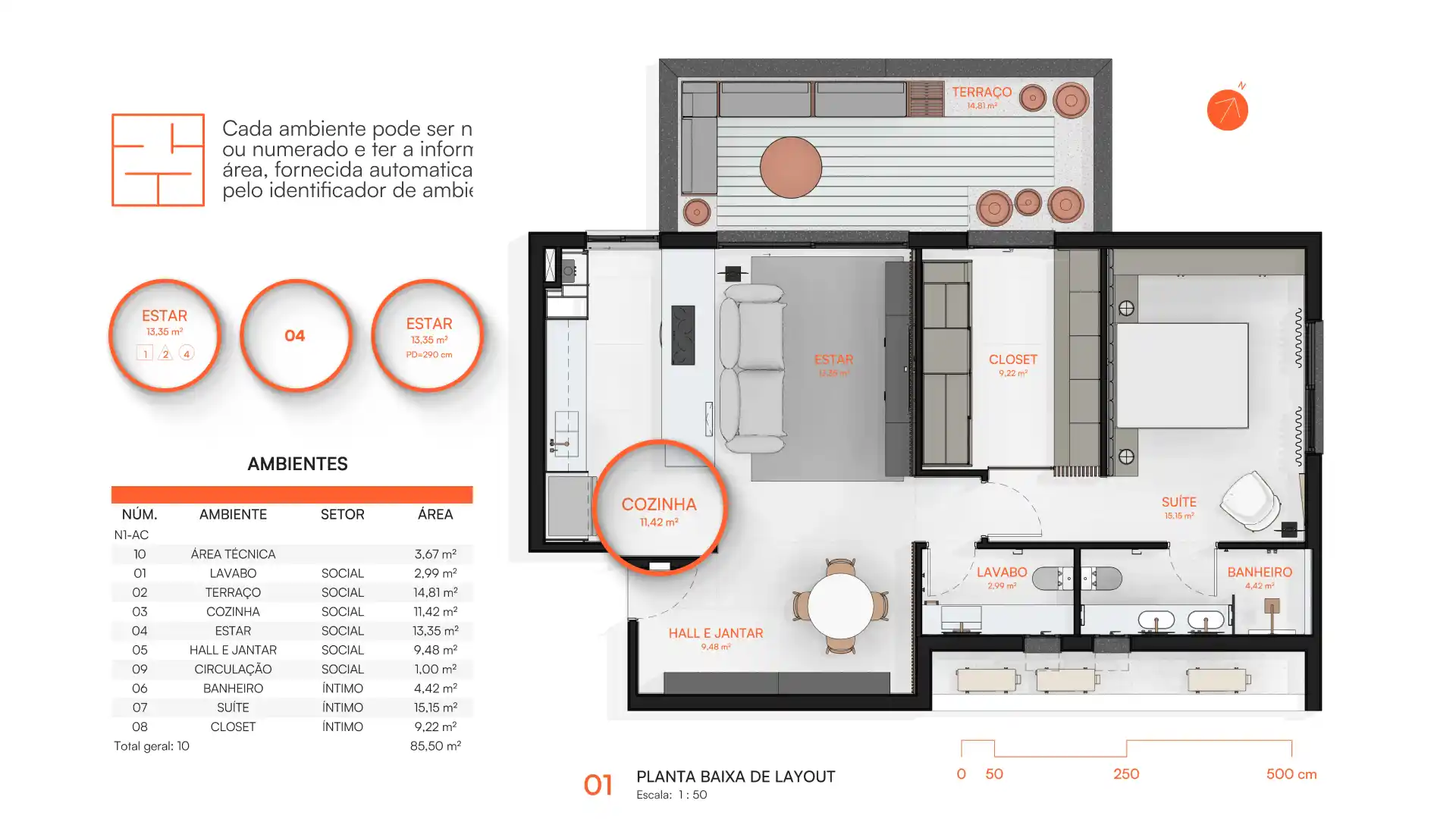
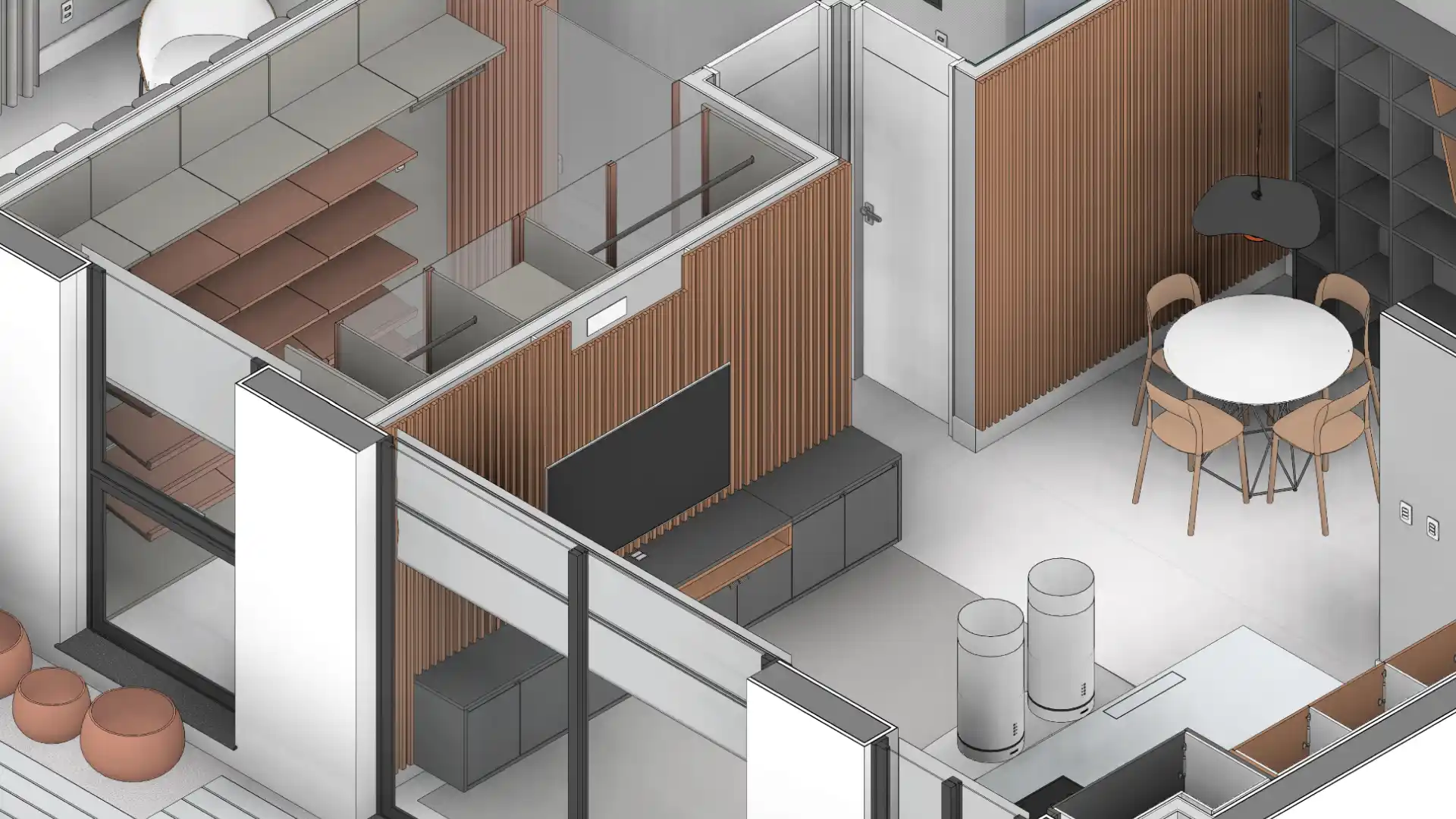
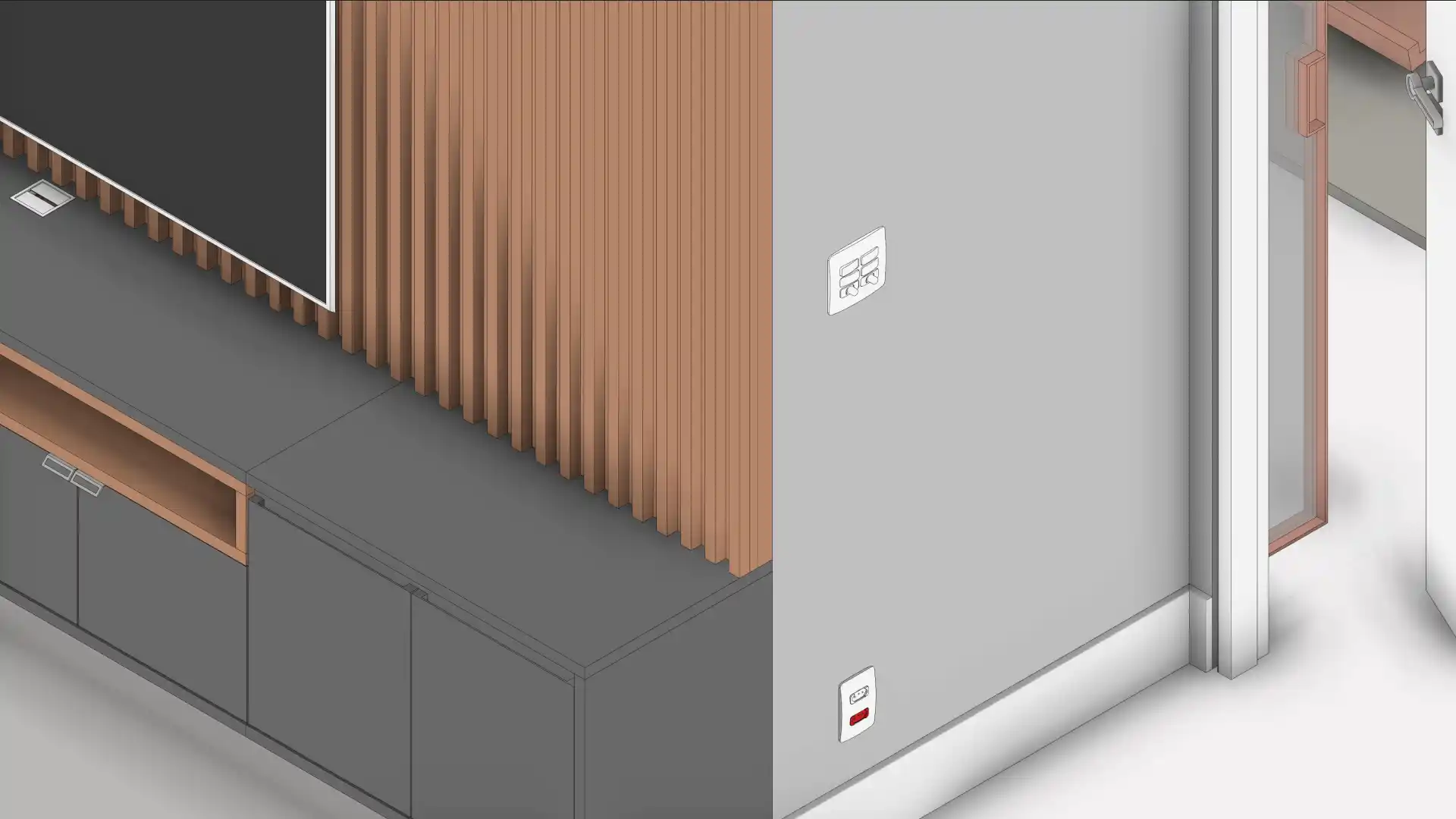
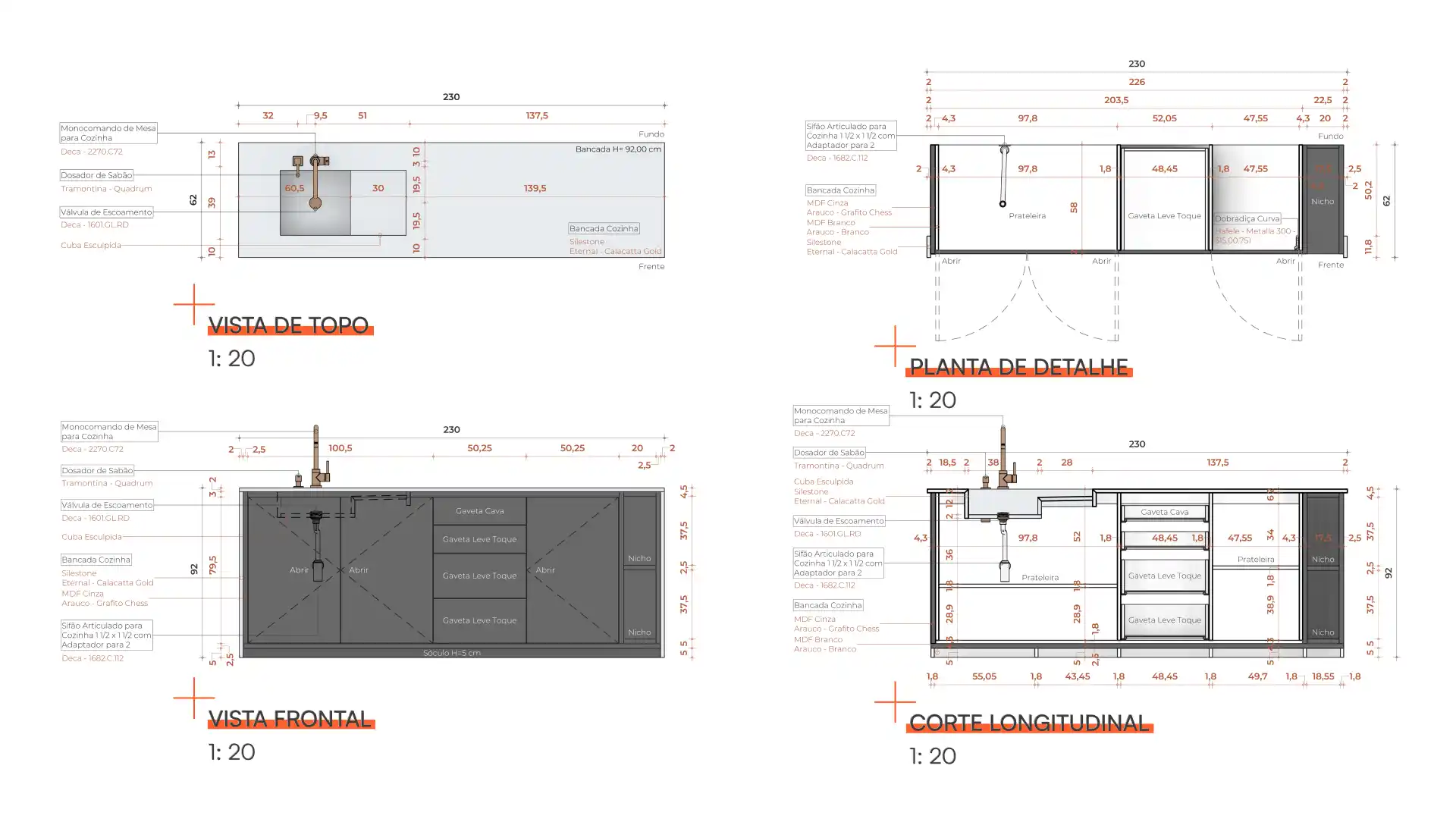
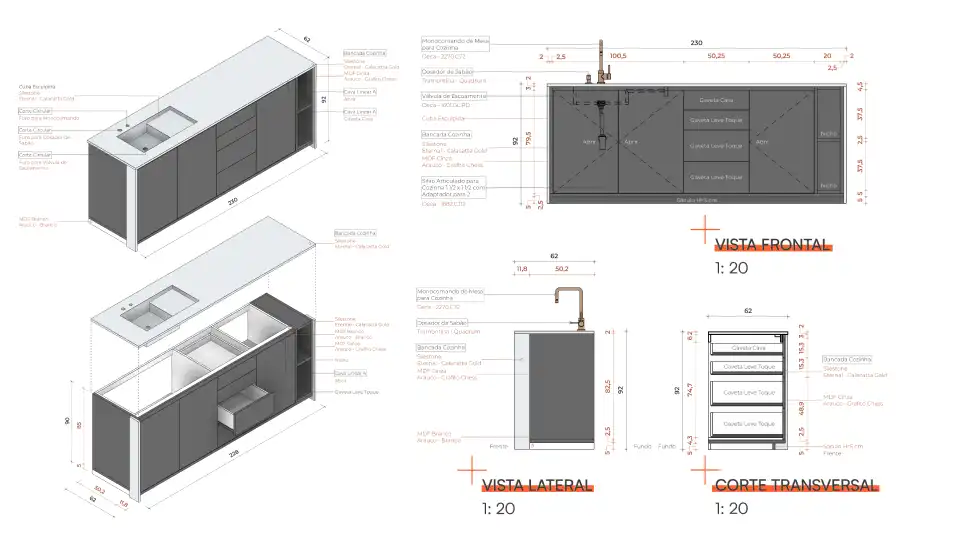
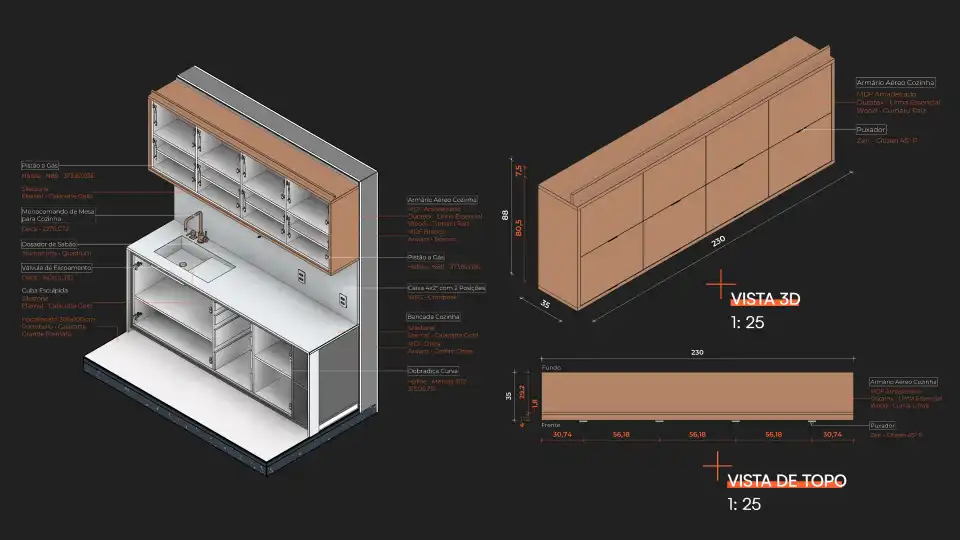
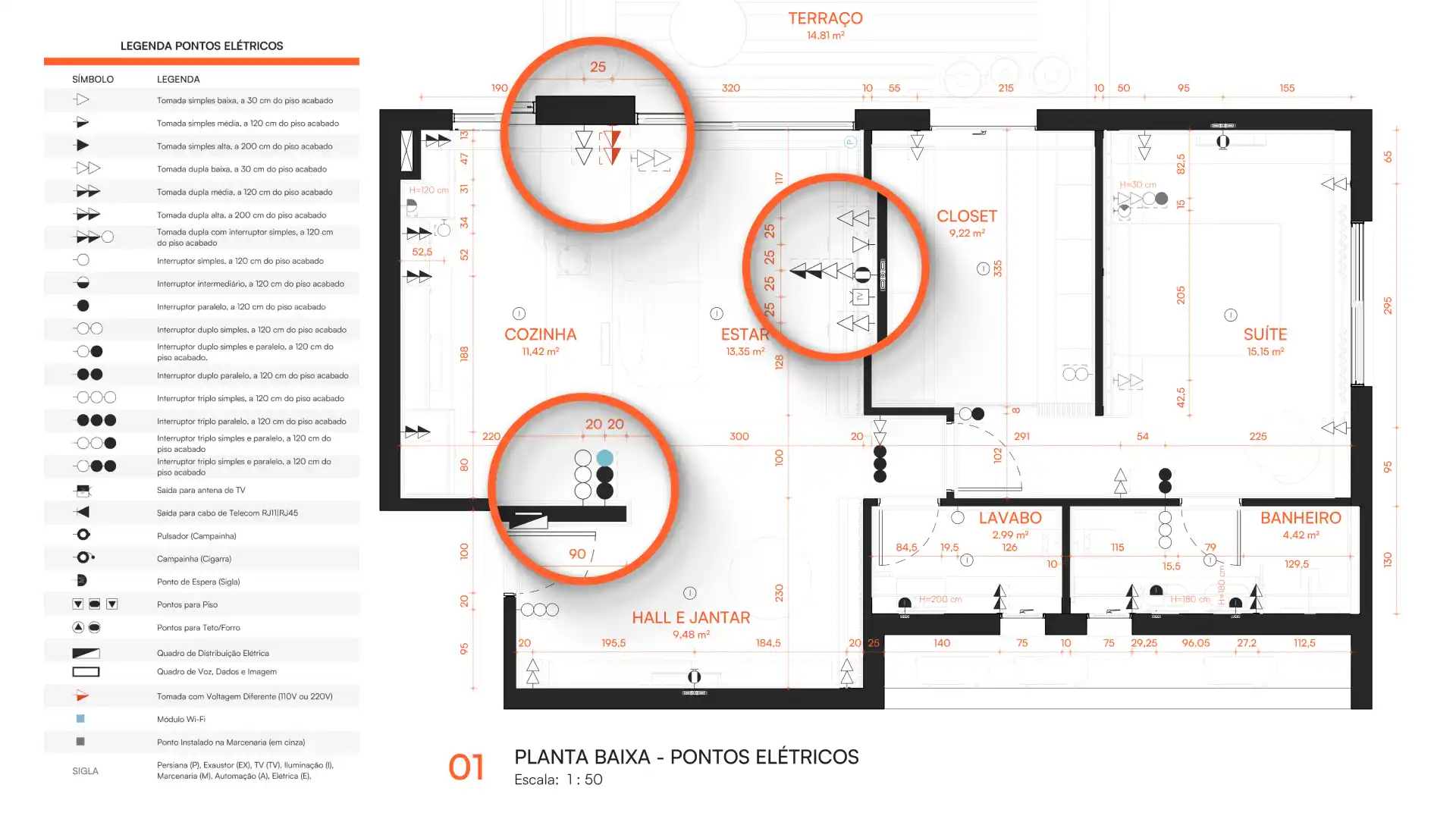
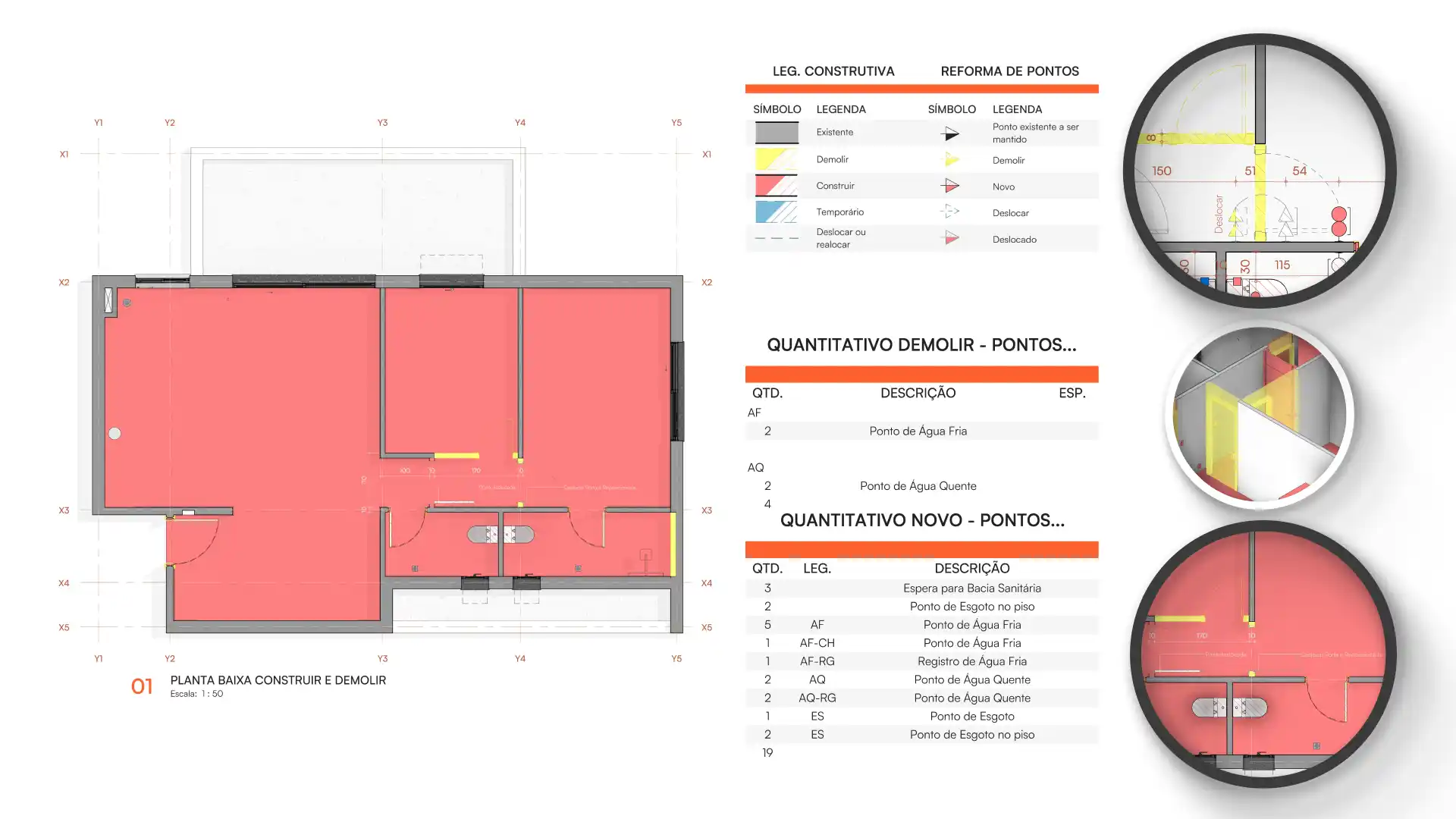
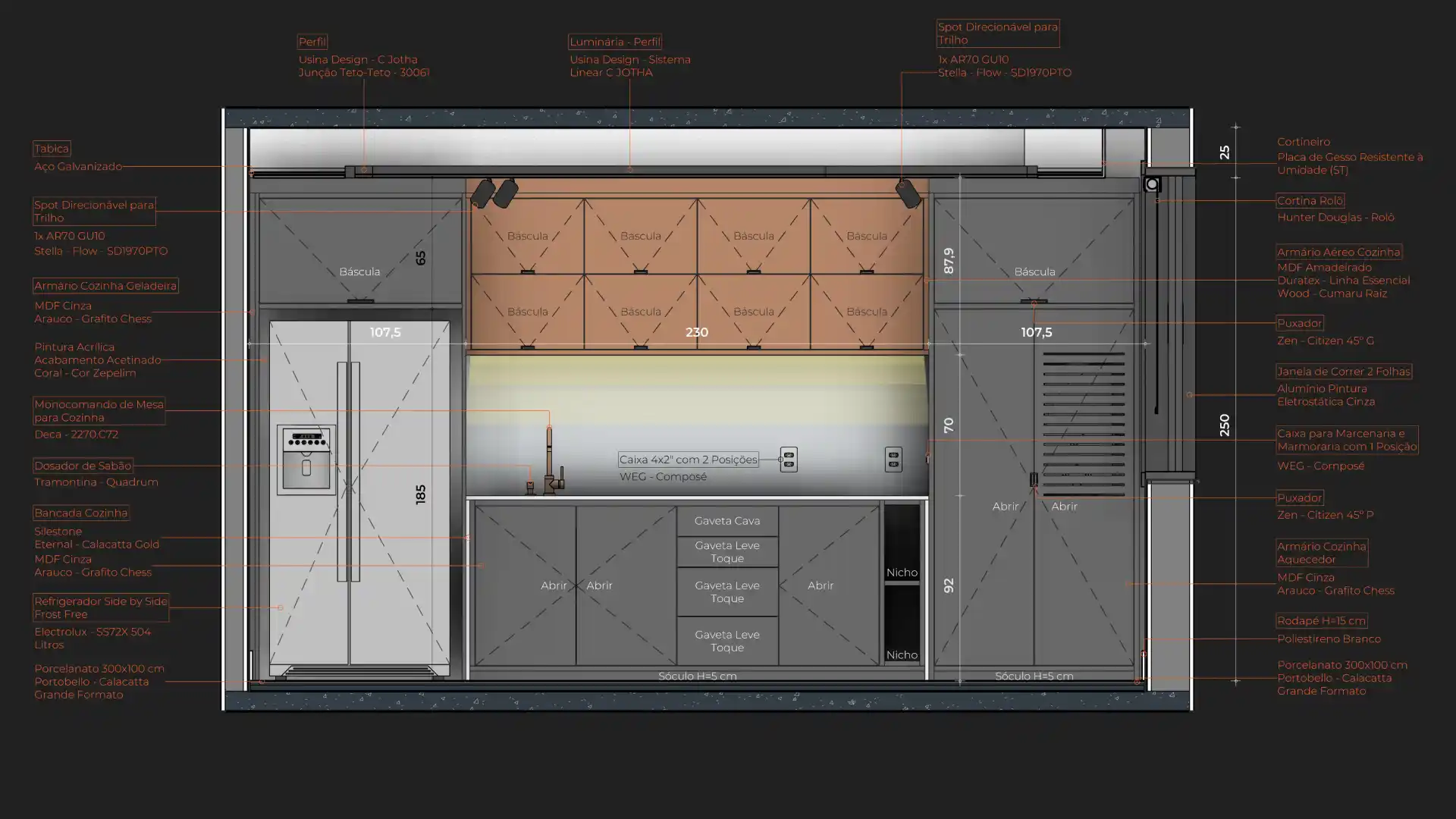
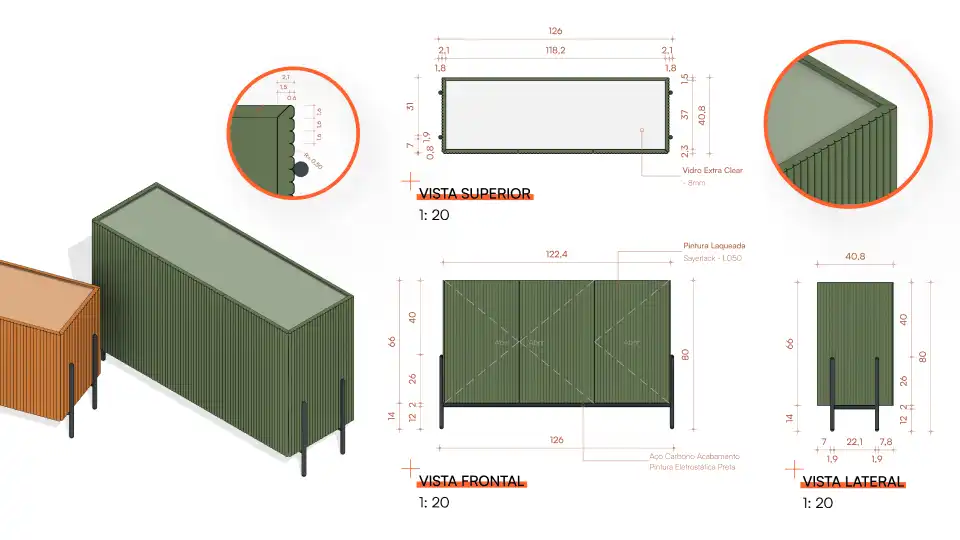
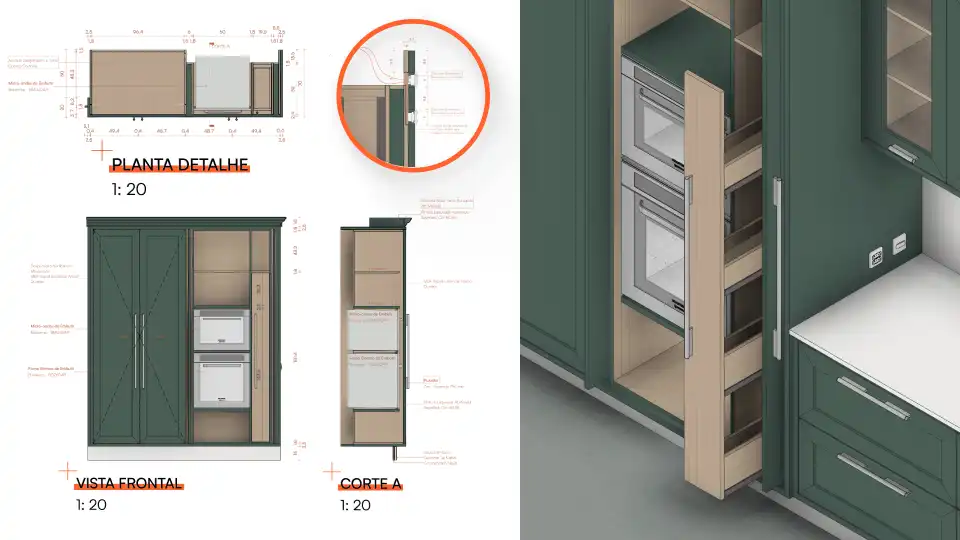
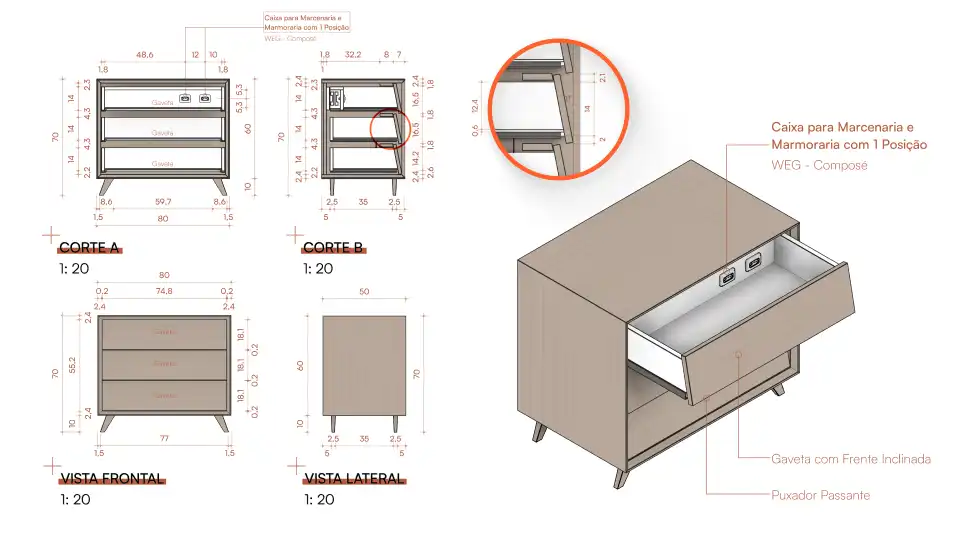
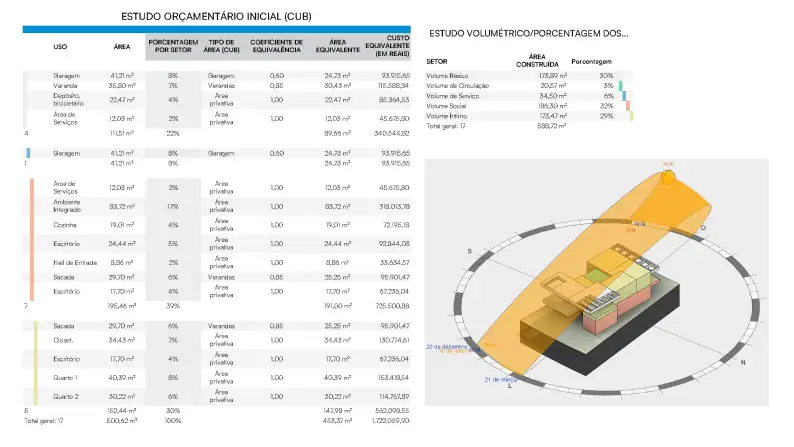
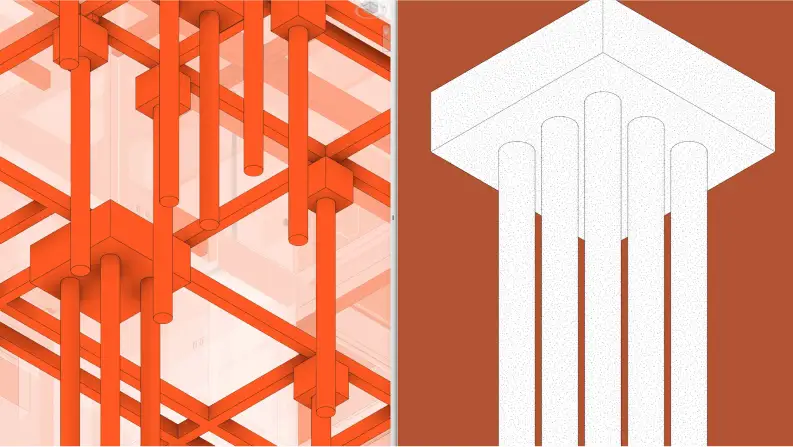
We will show you the detailed step-by-step process to create an architectural project from scratch in Revit, from concept to executive detailing: from the massing study to the permit set, with the structural layout and a cost estimate based on Brazil’s CUB index.
By the end of the course, you will have the fluency to design with Revit smoothly, even if you have never opened the software before.
This is the project we will develop together during the course
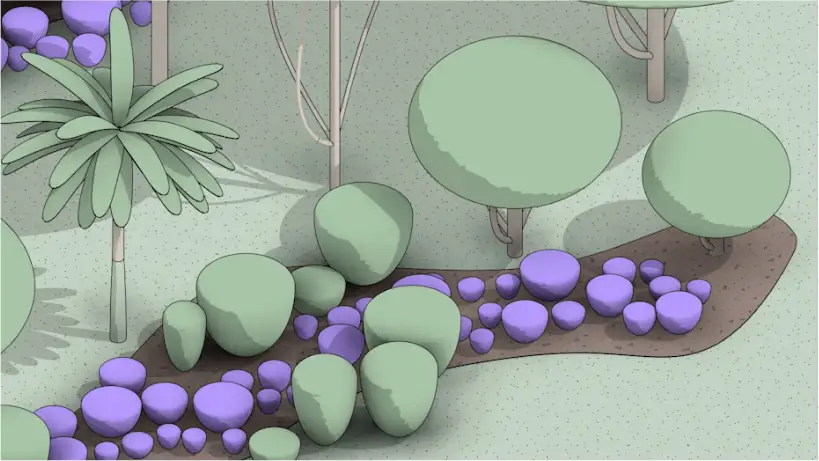

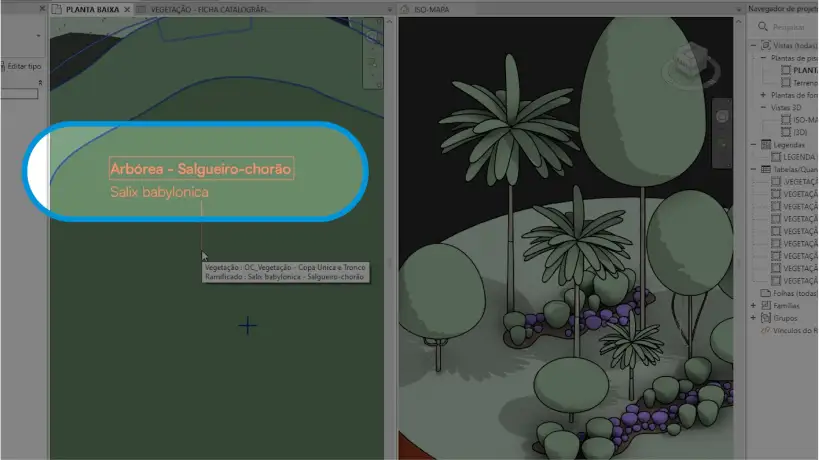
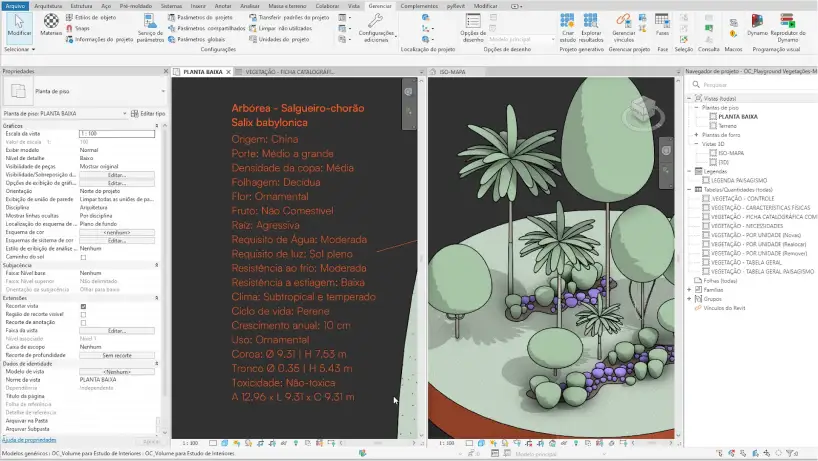
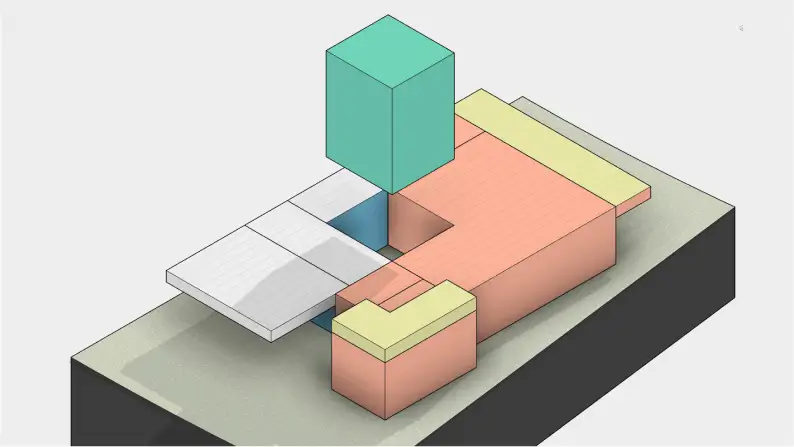
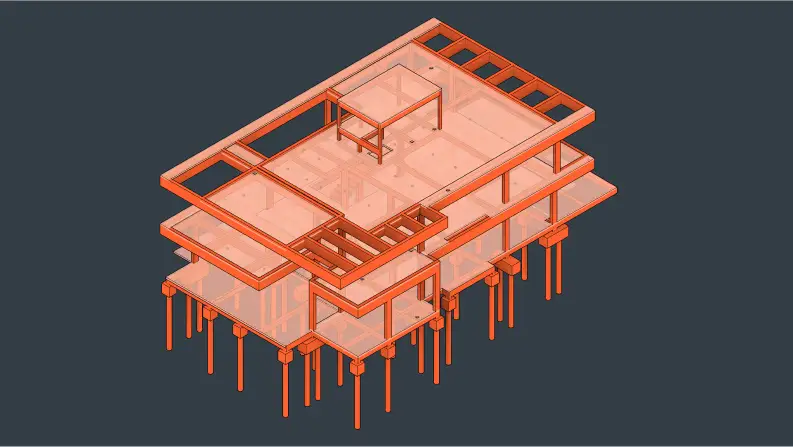
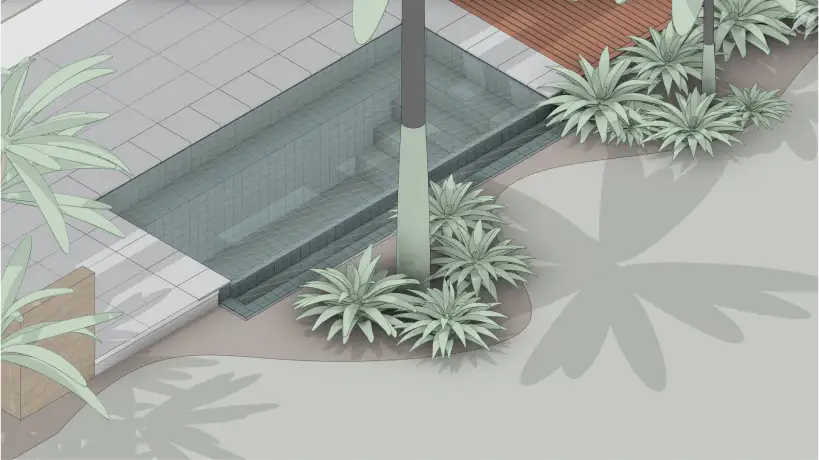
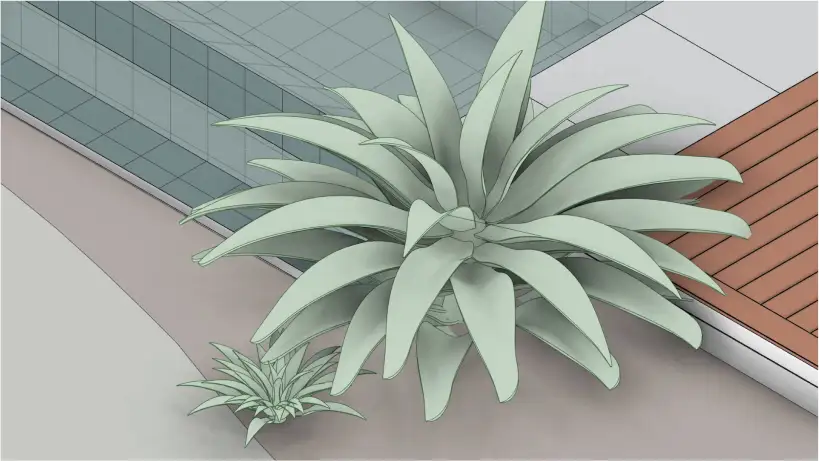
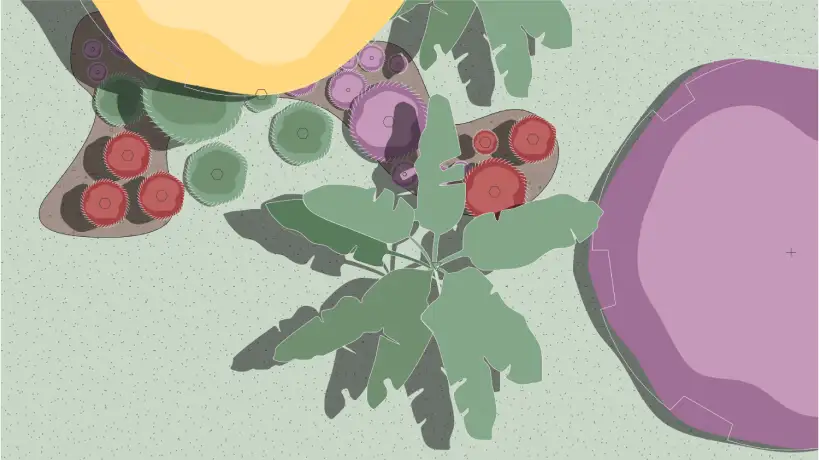
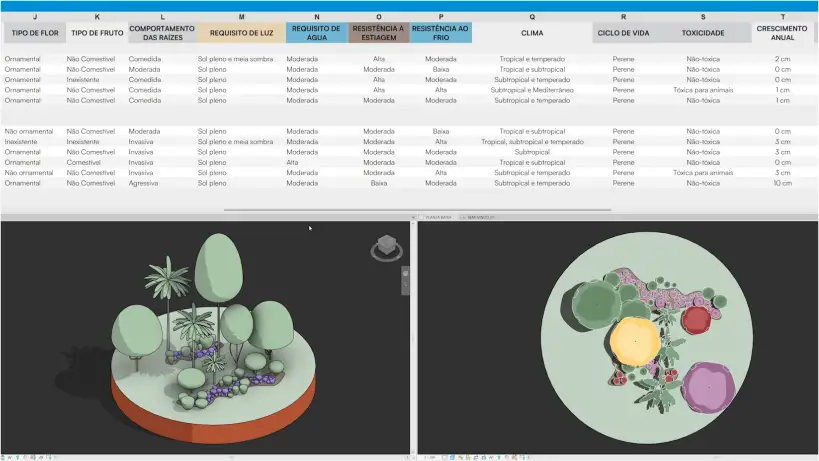

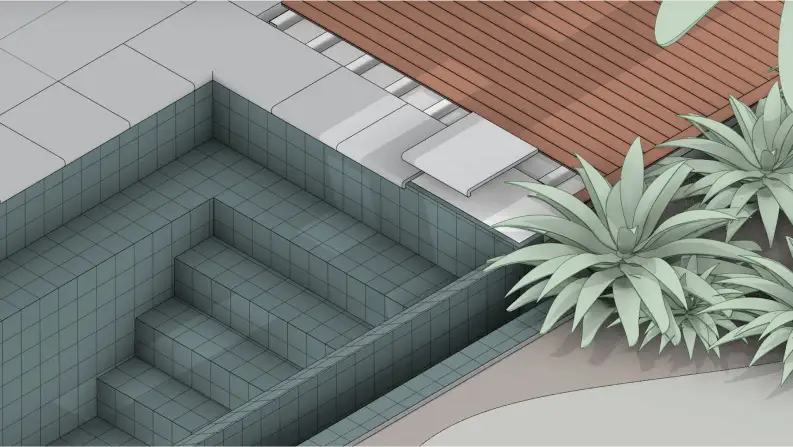
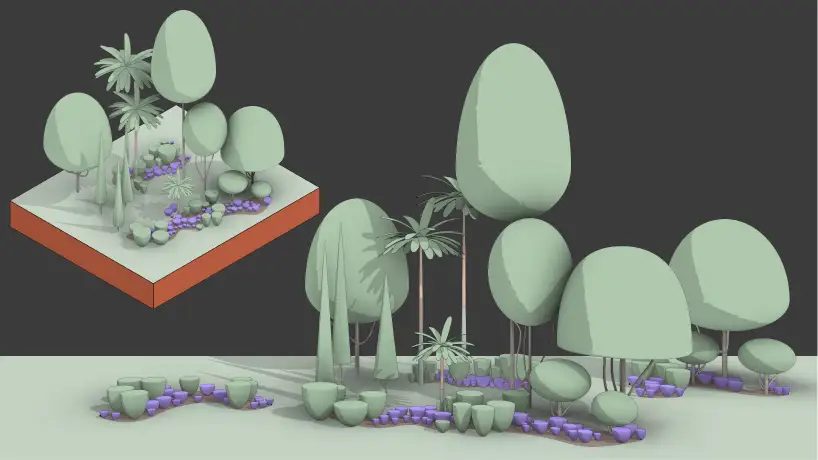
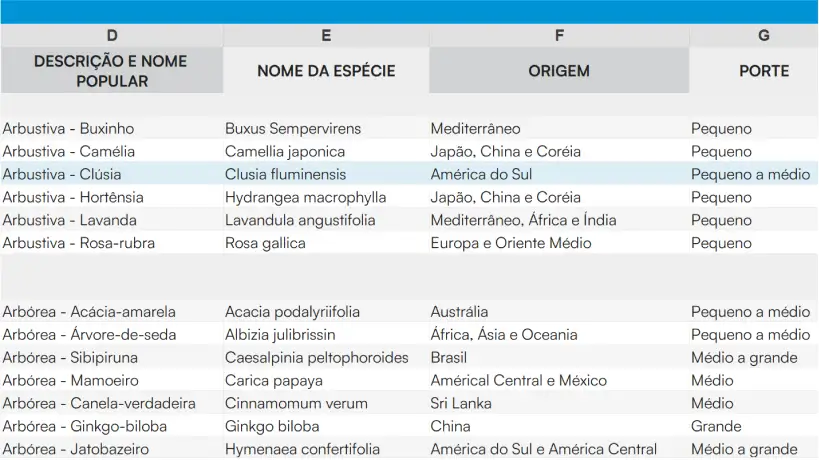
Describe it in one sentence and MAPA IA runs the MAPA method inside Revit. Just ask in your own words and get a level of construction detail and creative freedom you never imagined possible.
Any 3D model from the internet becomes a Revit family, at the product’s real dimensions, in a few clicks. And it comes with the MAPA Manufacturers Library.
All in one window, inside Revit, from the downloaded file to the project.
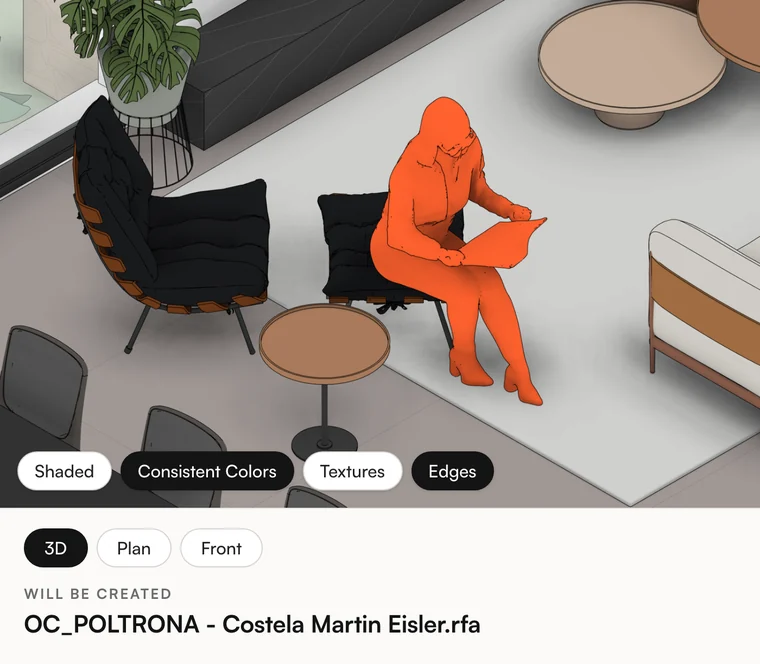
From SketchUp, Rhino, OBJ, STL or GLB. Only have the link? Paste it, and the Converter downloads it for you.
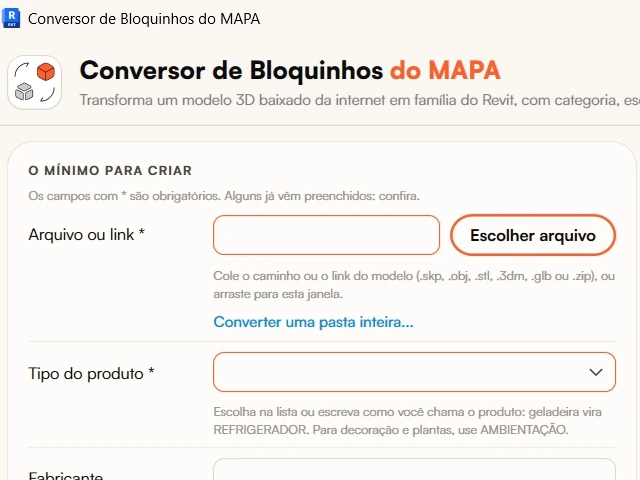
Type “armchair,” and the category and family name come up ready. One real dimension from the spec sheet gets the size right.
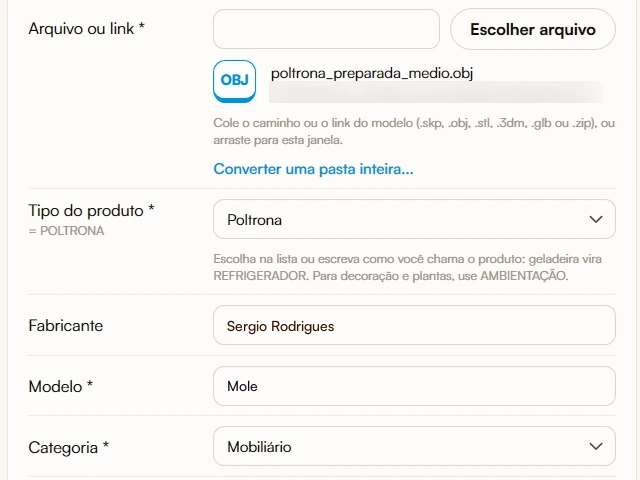
The piece shows up right away, with its name and dimensions, exactly as it will go into the project.
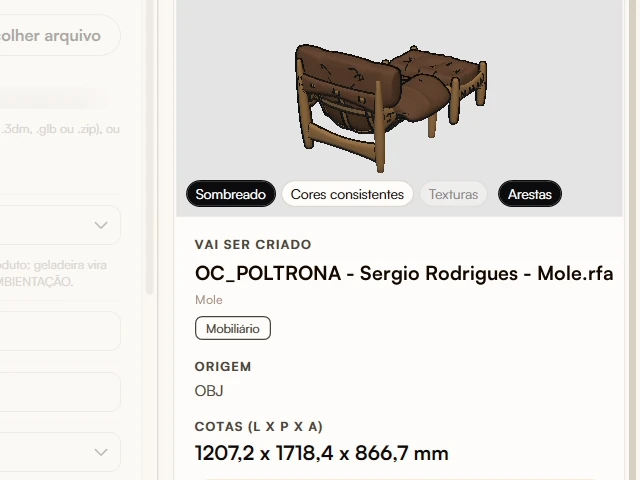
See it from every side, change colors and textures, name the materials and remove what you don’t need. The original file stays the same.
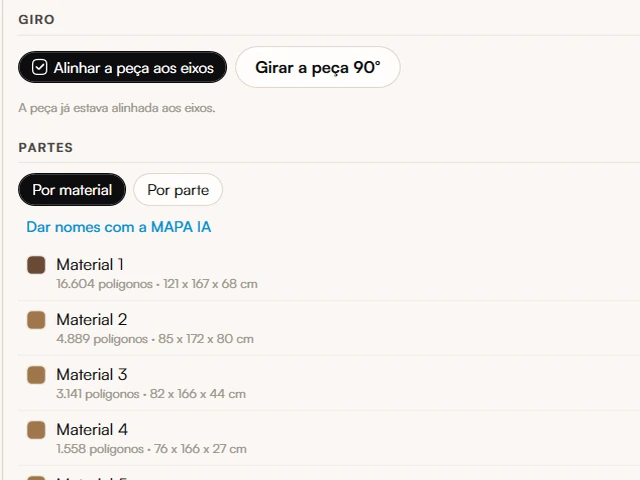
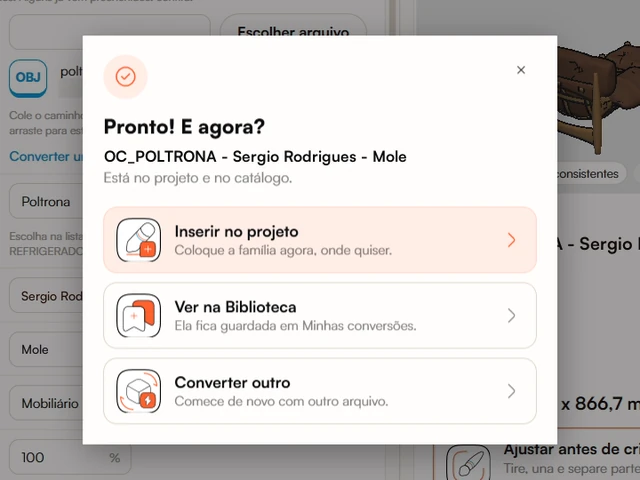
Done: it’s already in the project and saved in your Library. Just place it wherever you want.
MAPA for Revit installs the MAPA tab: everything in one place, without leaving the project. In the Super COMBO, it comes complete.

Watch the video above and see what comes in the plugin
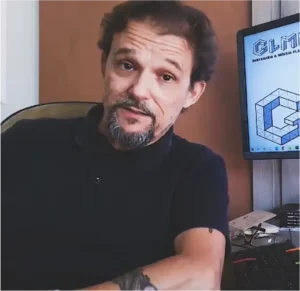
Everything we do at Jessica and Marcos’s Oficina Criativa is designed so you can transform hours of work into minutes. After teaching Revit to 52 in-person classes over 7 years, in 2020 we took all that knowledge online, with a distinctive audiovisual experience and teaching shaped by a decade dedicated to evolving the method.
Today the MAPA Explorers are in 97 countries: students, professionals and small, medium and large firms that design with creative freedom.


MAPA Dedicated Support is at your side for 2 years on 3 channels: directly in the lessons, in the MAPA OC Club Community or by email, with a fast, helpful and humanized response so every question turns into a result.

MAPA University Extension Certificate issued by Usina Educação / UNIFATEC, a MEC-accredited college.

Learn Revit with the student license, using the Efficiency MAP course enrollment certificate.
That’s what you’d pay for each item outside of ORANGE DAY.
First ever and exclusive · Nov 5 only, 7:30 AM to 9 PM (Brasília time)

MAPA courses + MAPA IA + tools for 2 years
US$ 709 off
from US$ 1,289
forUS$ 580
Less than half the price 2 years of access to everything
This historic offer ends in
Starting Nov 6, the courses go back to their regular price.
7-day guaranteeSecure payment through Hotmart
Choose where to start your journey
Transform hours of work into minutes with the other ORANGE DAY offers, Nov 5 only.
COMBO MAPAInteriors + Architecture
US$ 307 off
Was US$ 694US$ 387
More complete, bigger discount: US$ 709 off, 55% below full price. You also get MAPA IA, the 3D Model Converter, the Manufacturers Library and the MAPA Materials Creator for 2 years. Get the Super COMBO →
Efficiency MAP CourseRevit + Twinmotion for Interiors
US$ 135 off
Was US$ 407US$ 272
Efficiency MAP CourseRevit + Twinmotion for Architecture
US$ 113 off
Was US$ 287US$ 174
You have 7 days to test the MAPA methodology. If for any reason you find that the course isn’t right for you, we’ll refund your investment in full, no questions asked.
Only on ORANGE DAY, Thursday, Nov 5, from 7:30 AM to 9 PM (Brasília time). Starting Nov 6, the courses go back to their regular price. This is a one-time opportunity and it won’t happen again.
2 years from purchase: both courses, MAPA IA, the 3D Model Converter with the Manufacturers Library, the Template Personalizer, the Materials Creator and MAPA Dedicated Support.
No, and we’ll explain why. MAPA runs on a system of continuous improvement: new features in the method, libraries and annual updates to the MAPA Template. As long as your access is active, you get everything that is created. When the 2 years are up, you can renew your access at a special price.
No. From beginner to advanced, no prior knowledge of Revit or Twinmotion is required. In previous classes we had students who had never opened the program and left AutoCAD behind, as well as professionals with 26 years in the field and 11 years of Revit who grew with our methodology.
In Interiors, modules 01 to 08 are released immediately, with 92 lessons and over 25 hours of content. 8 days after your purchase, we release the rest, for a total of 23 modules, 240 lessons and over 80 hours, along with the MAPA Template and families. In Architecture, modules 01 to 06 are released immediately, with 108 lessons and over 37 hours; after 8 days, the remaining recorded lessons, the Template and the Family Library arrive. The Efficiency MAP for Architecture is in the final stage of recording.
Interiors is taught in Revit 2020 and Architecture in Revit 2024, and you can follow along in those versions or later. The method works with any type of license, including Revit LT. MAPA IA and the MAPA 3D Model Converter work inside Revit, through the MAPA for Revit plugin, on Revit 2024, 2025, 2026 and 2027, on Windows (not on Revit LT).
No. MAPA IA was designed to run extremely well on Claude’s lightest models, even on the free plan. If you’ll use it every day, Claude Pro gives you a lot more usage.
Yes. Revit and Twinmotion have free versions for students. And since MAPA has a University Extension Certificate, you can request the Revit student license with the course enrollment certificate, during your studies.
Yes. Since 2022, MAPA has offered a University Extension Certificate issued by Usina Educação / UNIFATEC, a MEC-accredited college: 75 hours in Interiors and 90 hours in Architecture. With the Super COMBO, you receive the certificates for both courses.
Yes. Offers for current students are on the student offers page.
Payment is in US dollars (US$ 580) through Hotmart. The methods available in your country appear at checkout.
You have 7 days to test the MAPA methodology. If you find it isn’t right for you, request a refund through Hotmart within that period and we’ll refund your investment in full, no questions asked.
Talk to our team on WhatsApp: wa.me/555381660609.
Interiors, Architecture, MAPA IA and the MAPA 3D Model Converter. Nov 5 only, 7:30 AM to 9 PM (Brasília time).
Everything we do is designed to make you faster and more efficient when designing, with the experience of a decade dedicated to evolving our method.
Every question turns into a result in as few clicks as possible, with a technical and personal response suited to your level and your project.
Families, libraries, schedules and templates are built in Revit to put great results within a few clicks, at no extra cost to our students.
Better today than yesterday, better tomorrow than today.