Monthly
Most flexible
US$10/month
Billed every month.
Start with no commitment. Cancel anytime.

MAPA 3D Model Converter

Creative freedom to pick any piece in the world and see it in your project in a few clicks.
Build your own library, or bring the one you already have. And you also get the Manufacturers Library, made by us with leading manufacturers like Deca, Docol and Roca, ready to drag into your project.
Use it on multiple computers: at home, at work, wherever you are.
How it works
All in one window, inside Revit, from the downloaded file to the project.
From SketchUp, Rhino, OBJ, STL or GLB. Only have the link? Paste it, and the Converter downloads it for you.
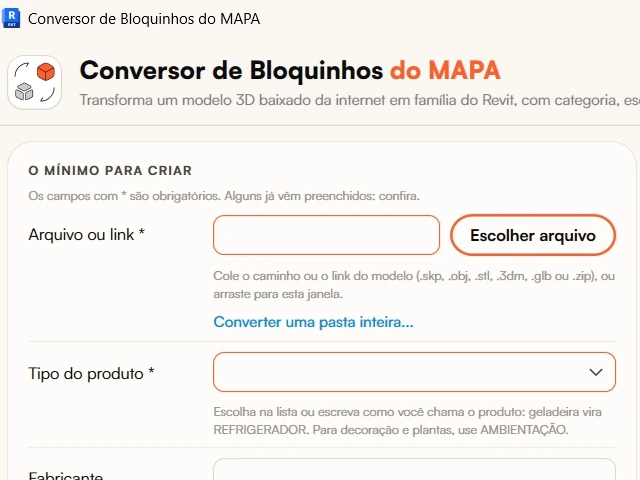
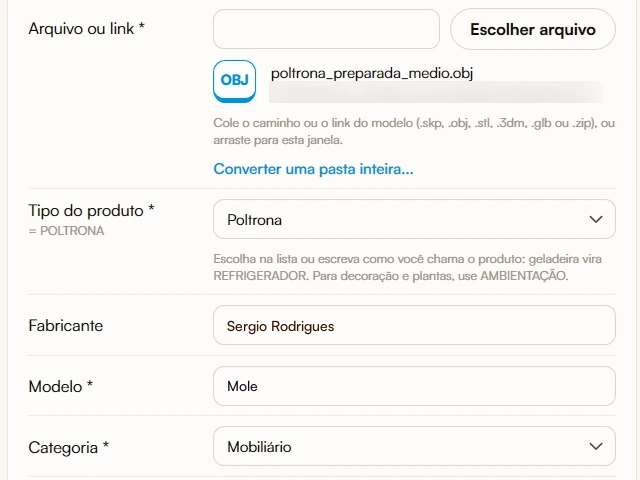
Type the kind of piece, and the category and family name come up ready. One real dimension from the spec sheet gets the size right.
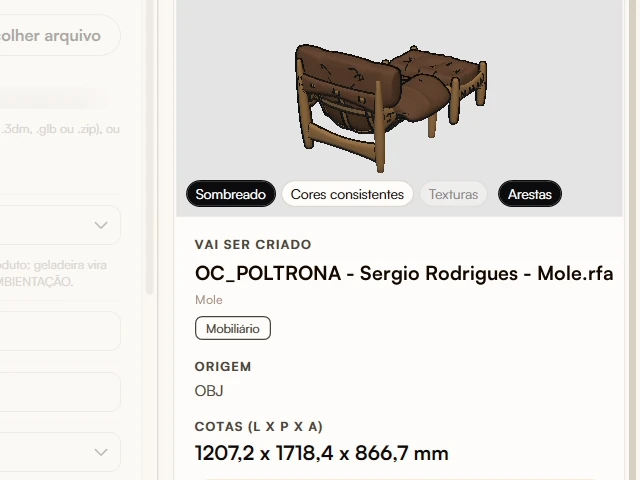
The piece shows up right away, with its name and dimensions, exactly as it will go into the project.
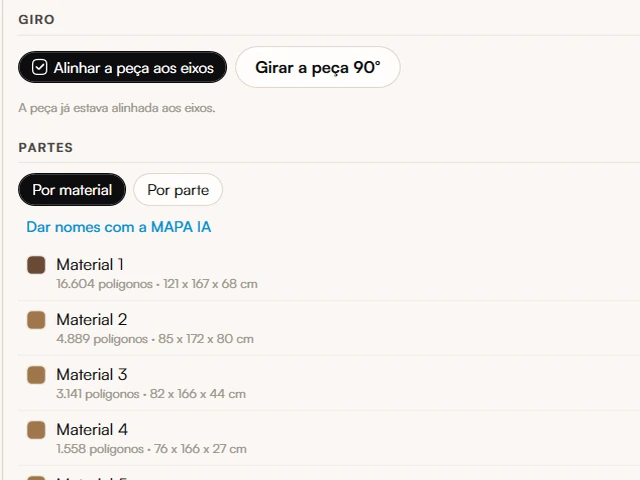
See it from every side, change colors and textures, name the materials and remove what you don't need. The original file stays the same.
Done: it's already in the project and saved in your Library. Just place it wherever you want.
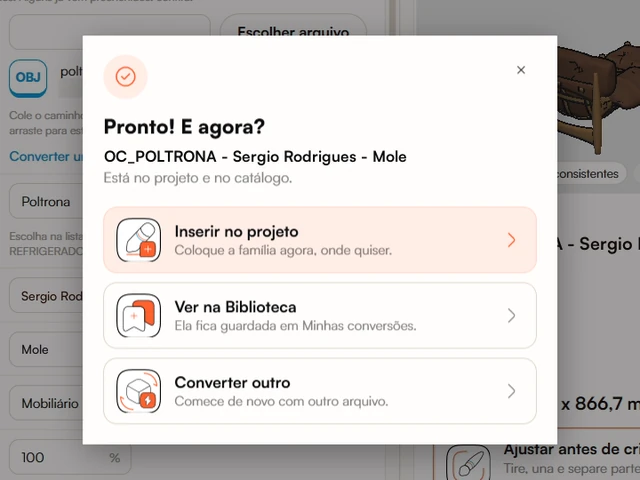
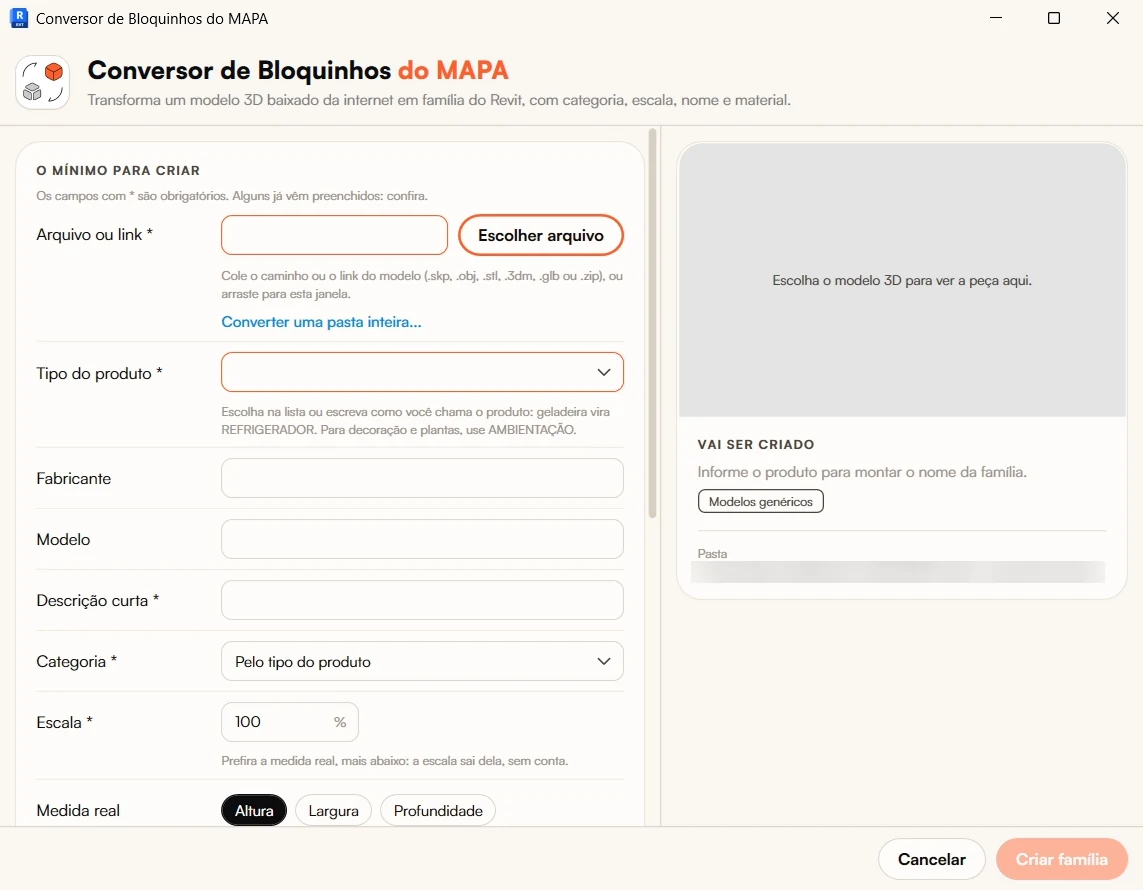
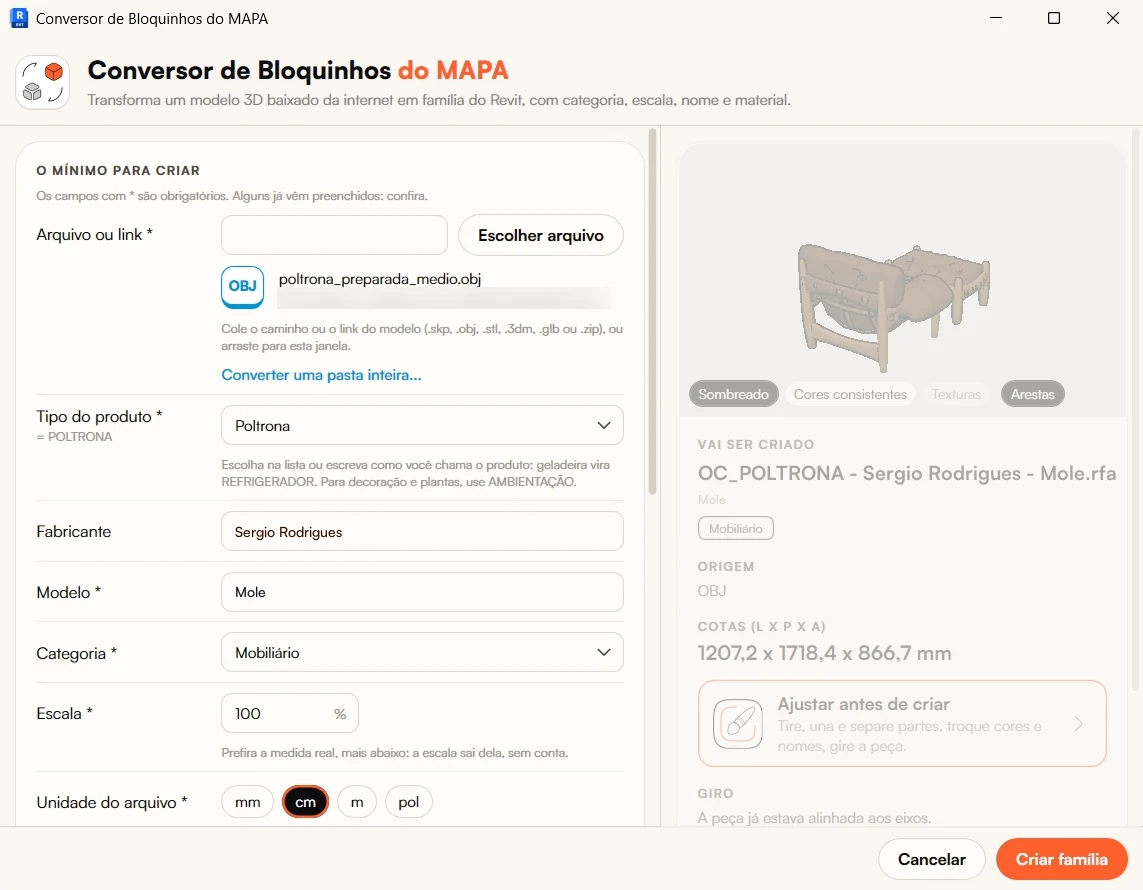
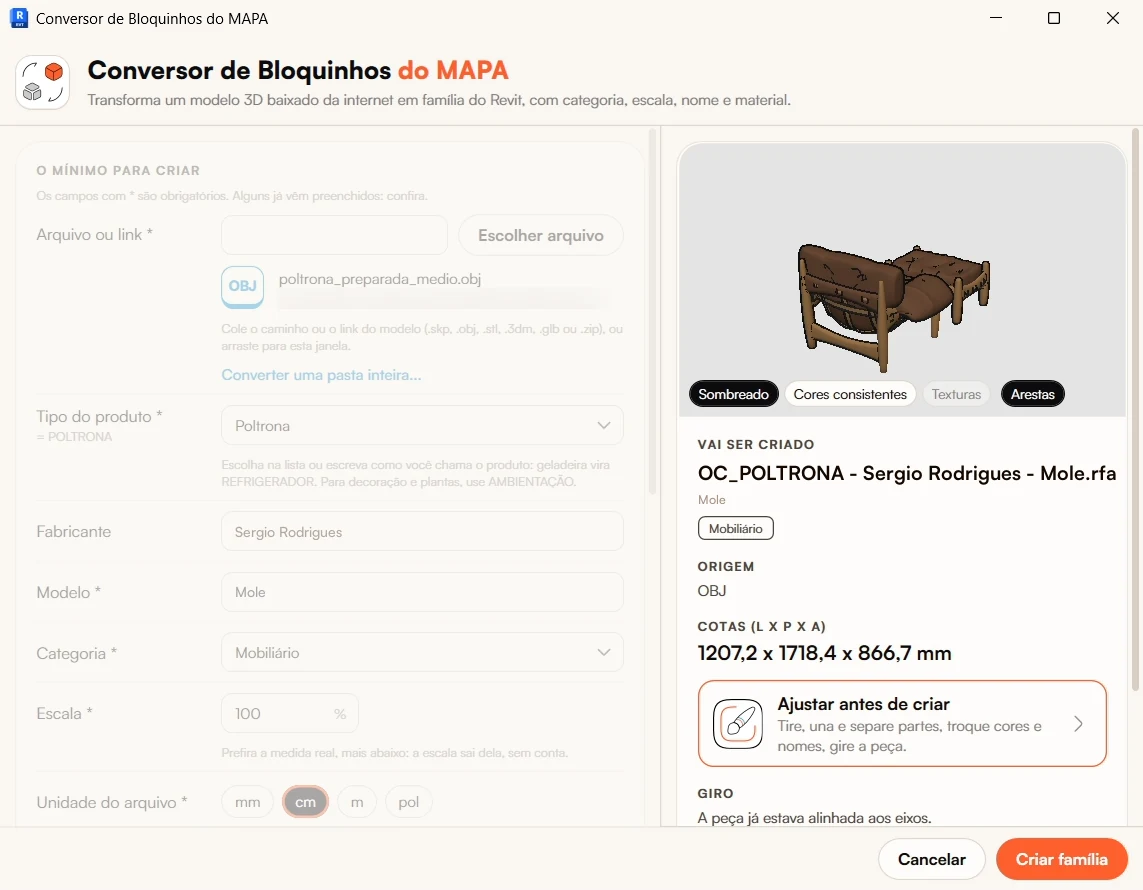
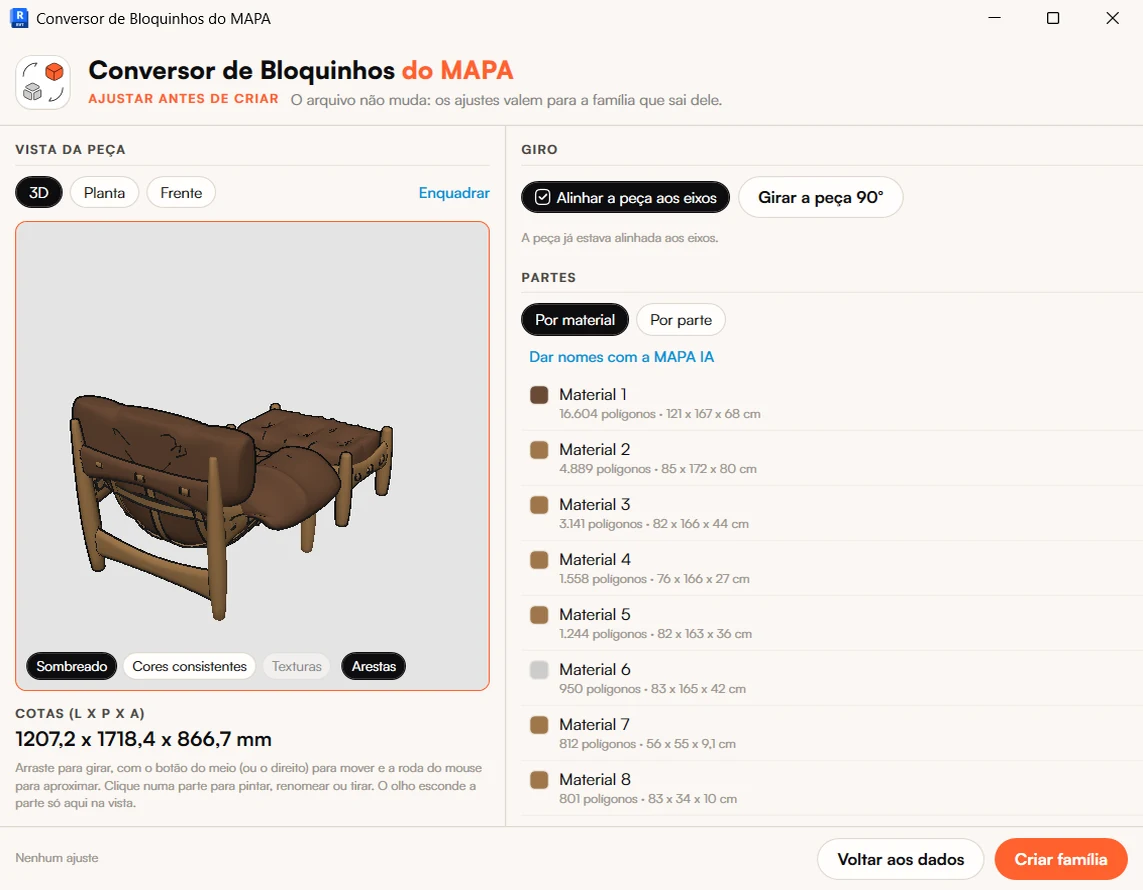
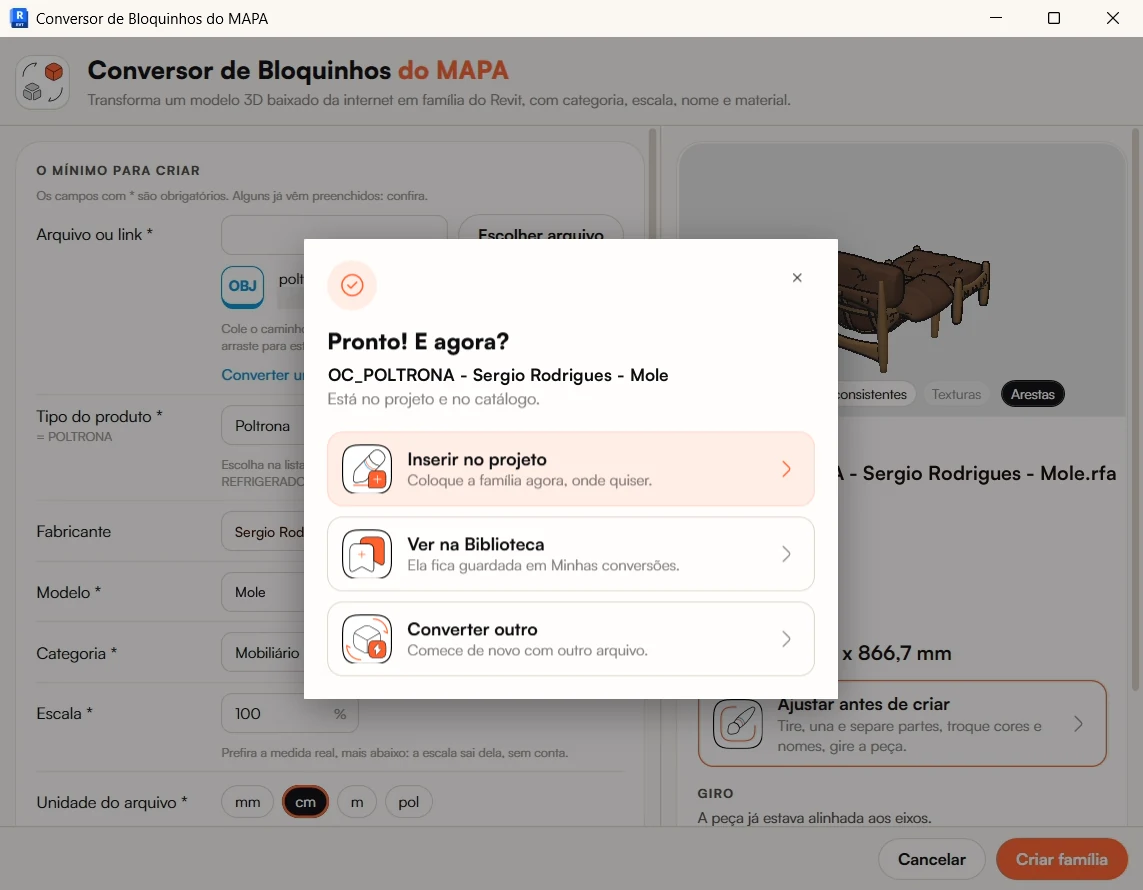
We timed it: an armchair in OBJ, opened from the computer, became a family in 4 to 5 seconds. With a link, the download adds to the time, and a heavy SketchUp file takes longer.
New
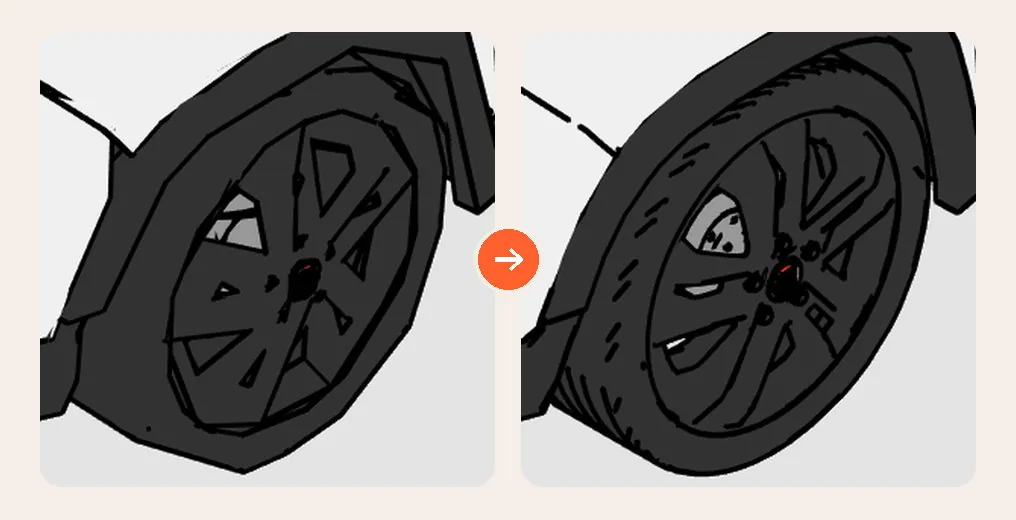
The family comes out with up to 100,000 polygons and keeps the piece's details. In a project with many pieces, choose Medium or Light, and it gets lighter.
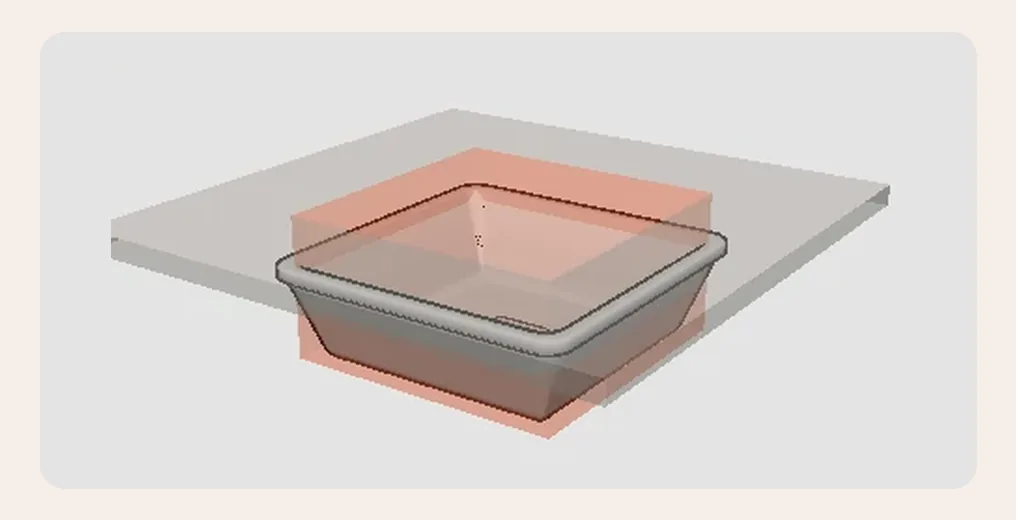
Every copy carries its own cutout, sized to the opening in the manufacturer's spec sheet: in the countertop, the floor, the ceiling or the wall. Recessed lights and wall sconces cut the same way.
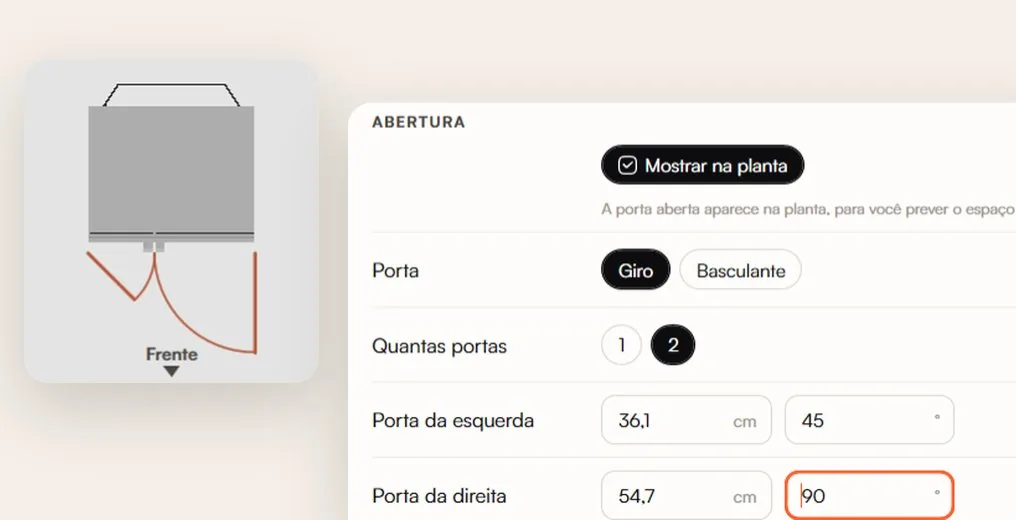
The fridge, the oven, the microwave and the dishwasher have different doors, each with its real width and angle. The dishwasher door already shows the space it takes up when open, so you can plan the kitchen's ergonomics and keep the walkway clear.
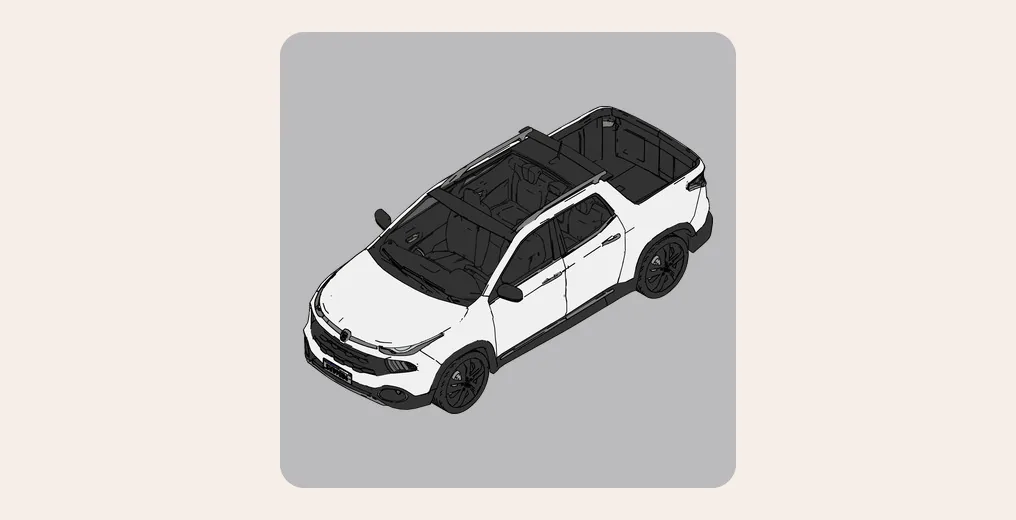
SketchUp models up to 150 MB come in, with all their complex geometry. A 64 MB Fiat Toro took 11 minutes just for Revit to open. The Converter made the family in seconds. Above 50 MB, the window warns you first: a heavy file takes time and RAM.
You've been saving 3D models for years, from SketchUp, 3D Warehouse, old projects. Pick the folder, subfolders included, and each file becomes a family, up to 100 at once. Bring your whole library into Revit, not piece by piece.
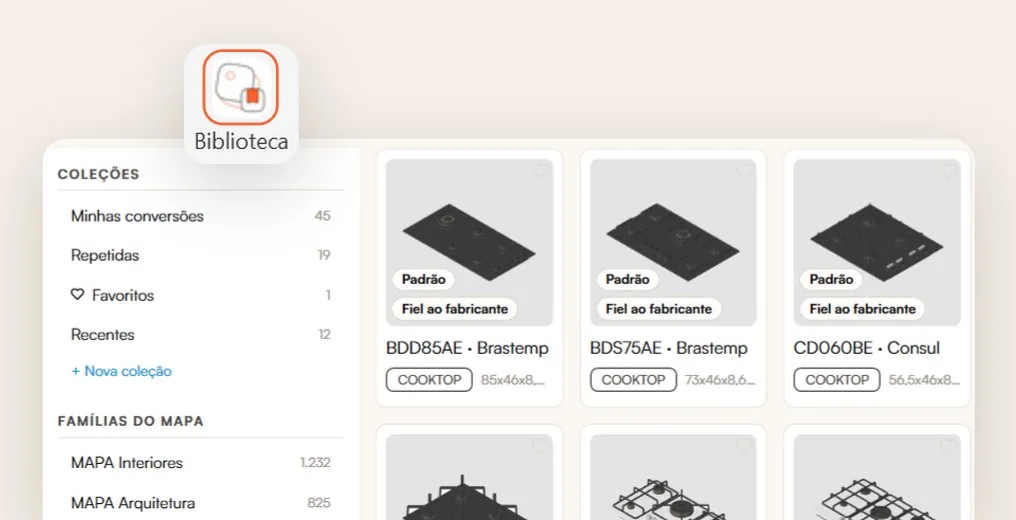
Everything you convert is saved in your collections, inside your personal library: Favorites, Recent and the ones you create.
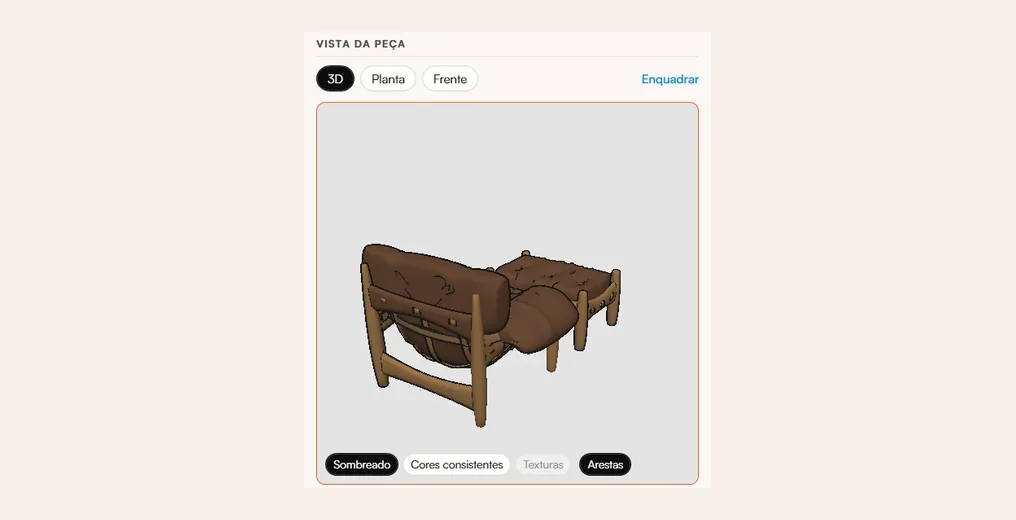
Rotate it, switch to Plan or Front, and view it Shaded, in Consistent Colors or with Revit's Textures, with or without edges. Don't like a part? Click to paint, rename or remove it before you create the family.
Manufacturers Library
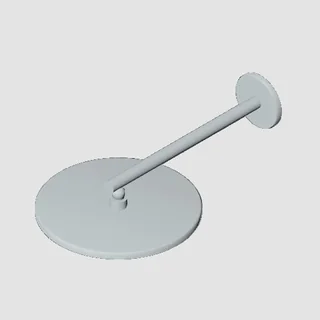
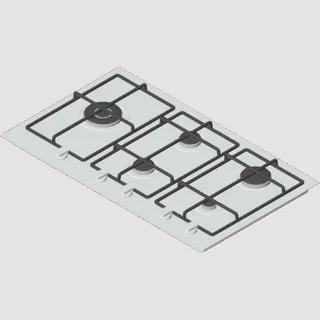
Faucets, showers, valve trims, cooktops, sinks, spotlights and mattresses from brands like Deca, Docol, Roca, Lorenzetti, Tramontina and Brastemp. At the manufacturer's dimensions, just drag them into the view.
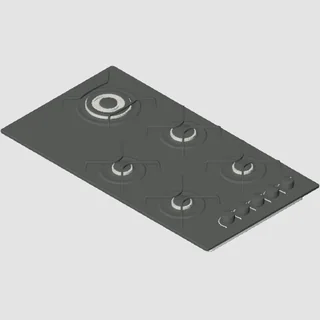 Brastemp
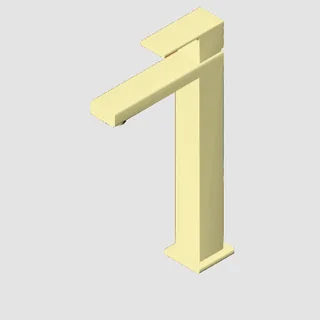 Deca
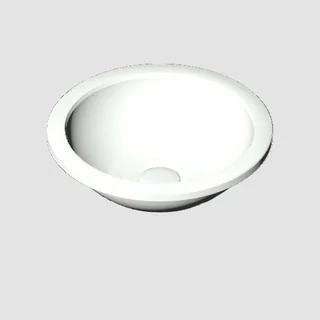 Celite
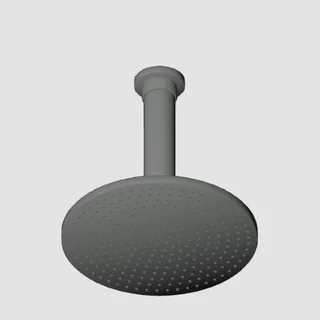 Deca
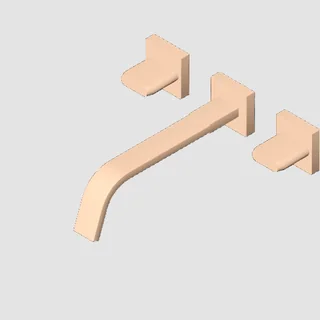 Deca
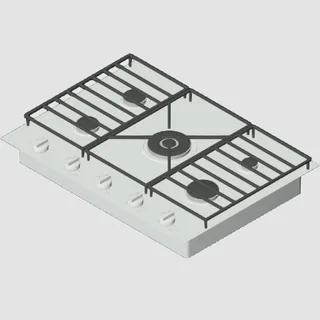 Samsung
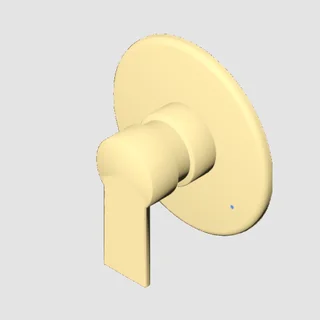 Docol
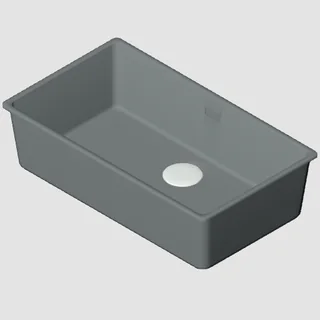 Franke
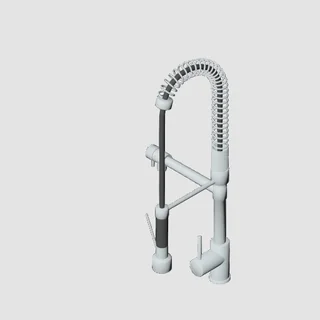 Lorenzetti
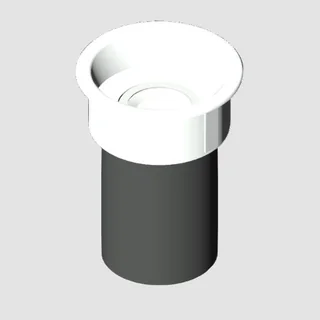 Stella
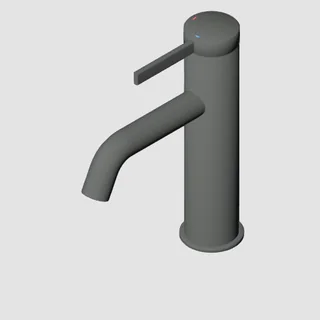 Roca
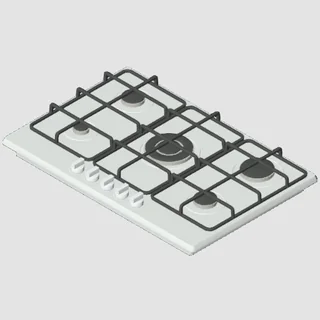 Tramontina
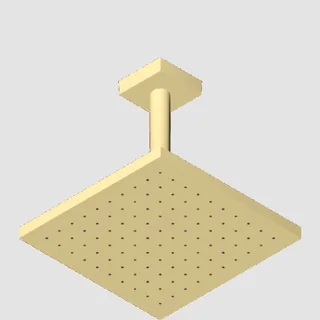 Docol
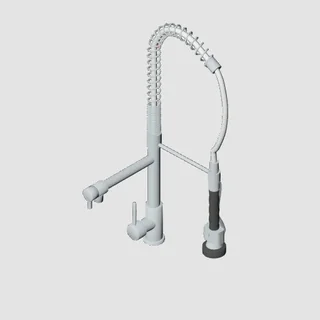 Meber
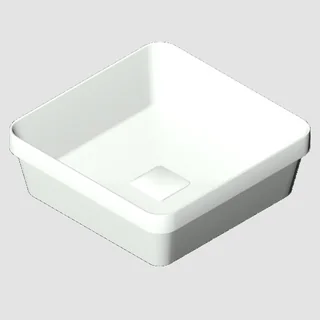 Deca
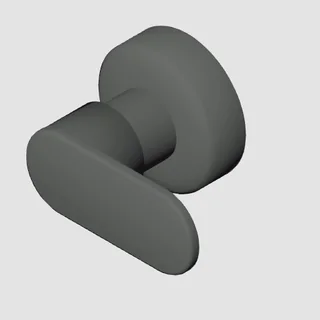 Roca
 Docol
 Brastemp
The sink, the cooktop and the deck-mounted faucet already cut the countertop to the spec sheet's dimensions.
Faucets, showers and valve trims arrive ready for the plumbing design.
Can't find the piece? Request it in the Library. We take everything from the manufacturer's website, create the family and put it there for you.
If you're not a student, it comes with the annual plan and unlocks when the seven-day guarantee ends. For students of the Efficiency MAP for Interiors or for Architecture with active access, it comes right away, on any plan.
For now, it's a bonus for anyone who buys the Converter. We made more than 200 original families in just a few weeks. When it reaches 600, the Library becomes a separate product.
Every plan works on multiple computers, with the same login in the MAPA plugin, right inside your Revit.
US$10/month
Billed every month.
Start with no commitment. Cancel anytime.
US$8.33/month
US$50 every six months, paid upfront
US$5.75/month
US$69 a year, paid upfront
5 months free
With the Manufacturers Library, unlocked when the seven-day guarantee ends
On the annual plan, you get 12 months and pay for less than 7.
Prices in US dollars (US$). On the payment page, Hotmart may show the price in your local currency.
The year's BIGGEST DISCOUNT is on November 5, exclusively for the VIP GROUP.
ORANGE DAY happens on a single day. The special offer goes only to members of the VIP GROUP. Join now so you don't miss out.
Save my spot in the groupGet the exclusive offer on November 5November 5, from 7:30 am to 9 pm (Brasília time).
Already in the VIP GROUP? The offer will reach you there on November 5.
Always improving
Since the launch on October 14, the updates haven't stopped. And every version reaches you: MAPA lets you know when it's out, and you update right away or later.
The Library loads the piece straight into the family open in the Family Editor.
The Converter starts at High detail, with up to 100,000 polygons.
Faucets, showers and valve trims arrive in the Manufacturers Library, and wall pieces show as installed.
Models over 50 MB become families, and the deck-mounted faucet already cuts the countertop.
MAPA lets you know when a new version arrives. And the Library gets more cooktops and sinks, with truer colors.
Step-by-step guides for the Converter arrive in the Student Portal.
The fridge comes out with its doors drawn in plan.
Launch: the Converter and the MAPA Library.
Revit 2024 to 2027, on Windows. Not on Revit LT.
No. The 3D Model Converter works on its own.
No. Your original file stays the same.
You choose. The Converter starts at High detail, with up to 100,000 polygons. In a project with many pieces, choose Medium, with up to 30,000, or Light, with up to 10,000.
The Converter opens models up to 150 MB. Above 50 MB, the window warns you before opening, because Revit takes longer to read the file and uses more RAM.
If you're not a student, with the annual plan, unlocked when the seven-day guarantee ends. For students of the Efficiency MAP for Interiors or for Architecture with active access, it comes right away, on any plan.
For now, yes: it's a bonus for anyone who buys the Converter. They're original families, made by us, with leading manufacturers. We made more than 200 in just a few weeks, and we're not slowing down. When the Library reaches 600 families, it becomes a separate product, sold apart from the Converter.
After you buy, we walk you through the installation: you install MAPA for Revit and sign in to the plugin with the email you used to buy. The Converter guides are in the Student Portal.
Yes. Access is tied to your account: on each computer, you sign in to the plugin with the email you used to buy. The license is personal, so it can't be shared with anyone else.
Yes. Every plan comes with a 7-day guarantee. It renews automatically at the end of each period, and you can cancel anytime through Hotmart.
Pick any piece in the world. It reaches your Revit at its real dimensions, in seconds.
7-day guarantee on every plan.
Oficina Criativa was founded in 2013. We ran 52 in-person Revit classes before going online, and today we have students in 96 countries. Every family you create is born to the Oficina Criativa standard.